5.5 Tare entry via the keyboard
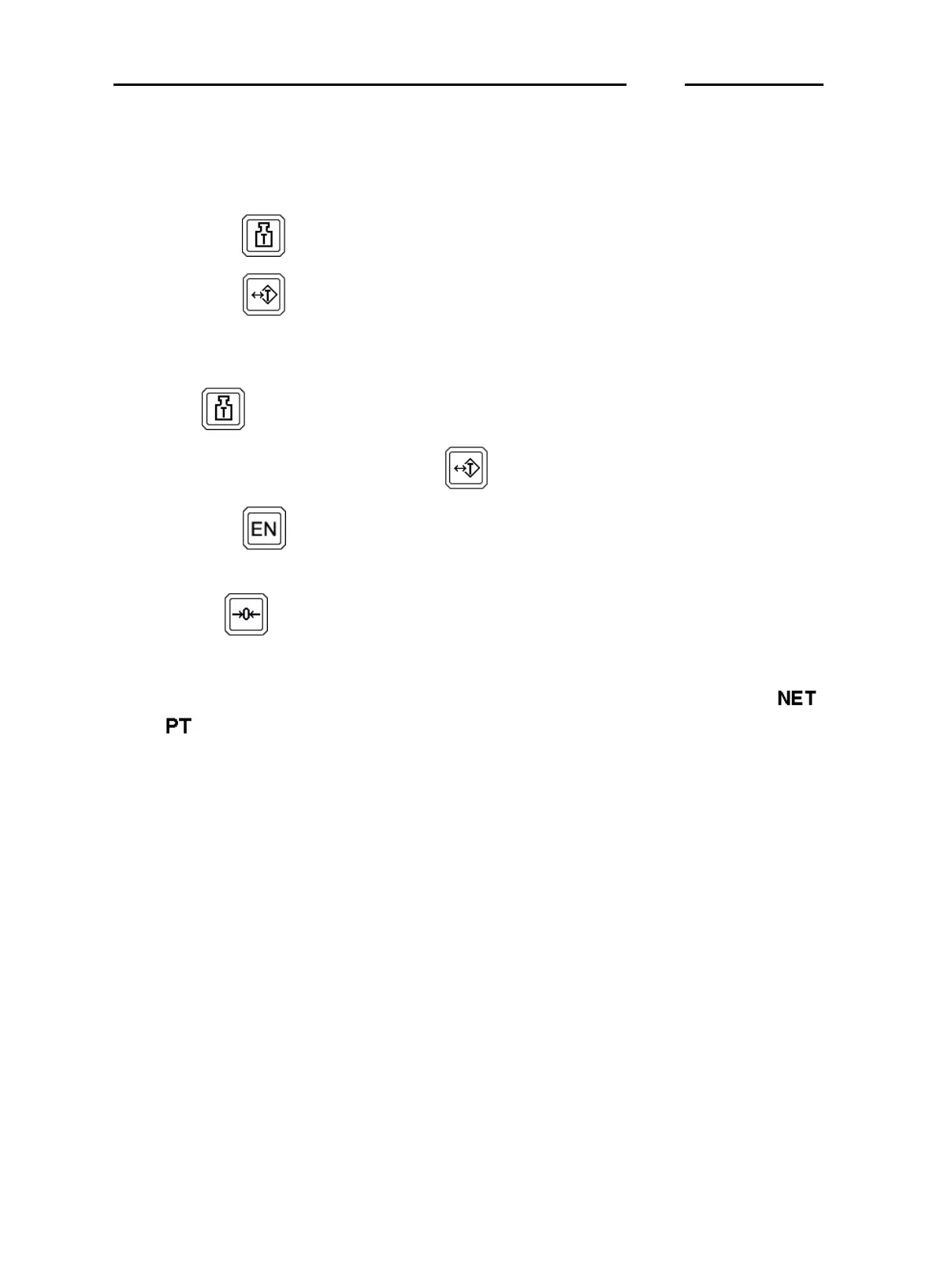
A tare value can be entered by means of the following procedure:
✔
press key ;
✔
press key to begin editing the first tare digit; press this key again
to scroll numbers 0 to 9, with "-" and the decimal separator entered
during the installation phase;
✔
press to confirm the entered value;
✔
to select other numbers, press again;
✔
press key at the end of the operation to confirm the entered tare
value;
✔
use key to move to the various digits if the entered value must
be edited.
Once the operation has terminated, the weight will be reset and the
and indications will light up on the display.
The tare value will be automatically rounded off to the scale division of
the scale. The net weight indication for MD terminals uses the division of
the field to which the net weight value sets while for ME terminals, the
net weight value will be the one relative to the field to which the gross
weight belongs.
For MD terminals, the maximum value of the preset tare will be limited to
the maximum capacity of the first weighing extension (value shown on
the data plate with the metrological specifications of the instrument).
D70
1-44



 To Next Page