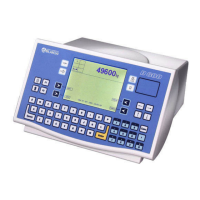
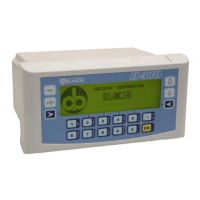
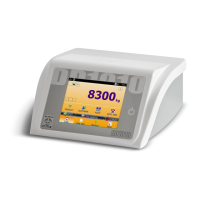
10.3 Description of the menus and submenus
When the instrument is powered, the menu accessed by pressing the
key is the NOVRAM menu which is divided into groups of parameters
called submenus.
To move around the submenus, the parameters and the relative values,
use the keys whose functions are explained in par. 5.1 on page 1-41.
10.4 NOVRAM menu
There are the following submenus in the NOVRAM menu:
D.BILAN - D.CAMP - D.PERS - COM1 - COM2 - U.ANALO - TERM.
Only the D.PERS, COM1, COM2 and U.ANALO submenus are described
in this section of the manual (see par. 10.4.1 on page 1-81, par. 10.4.2
on page 1-84 and par. 10.4.3 on page 1-86).
D70
1-80



 To Next Page