BD / BF / ED / FD / FED (E3.1) 12/2017 page 55/105
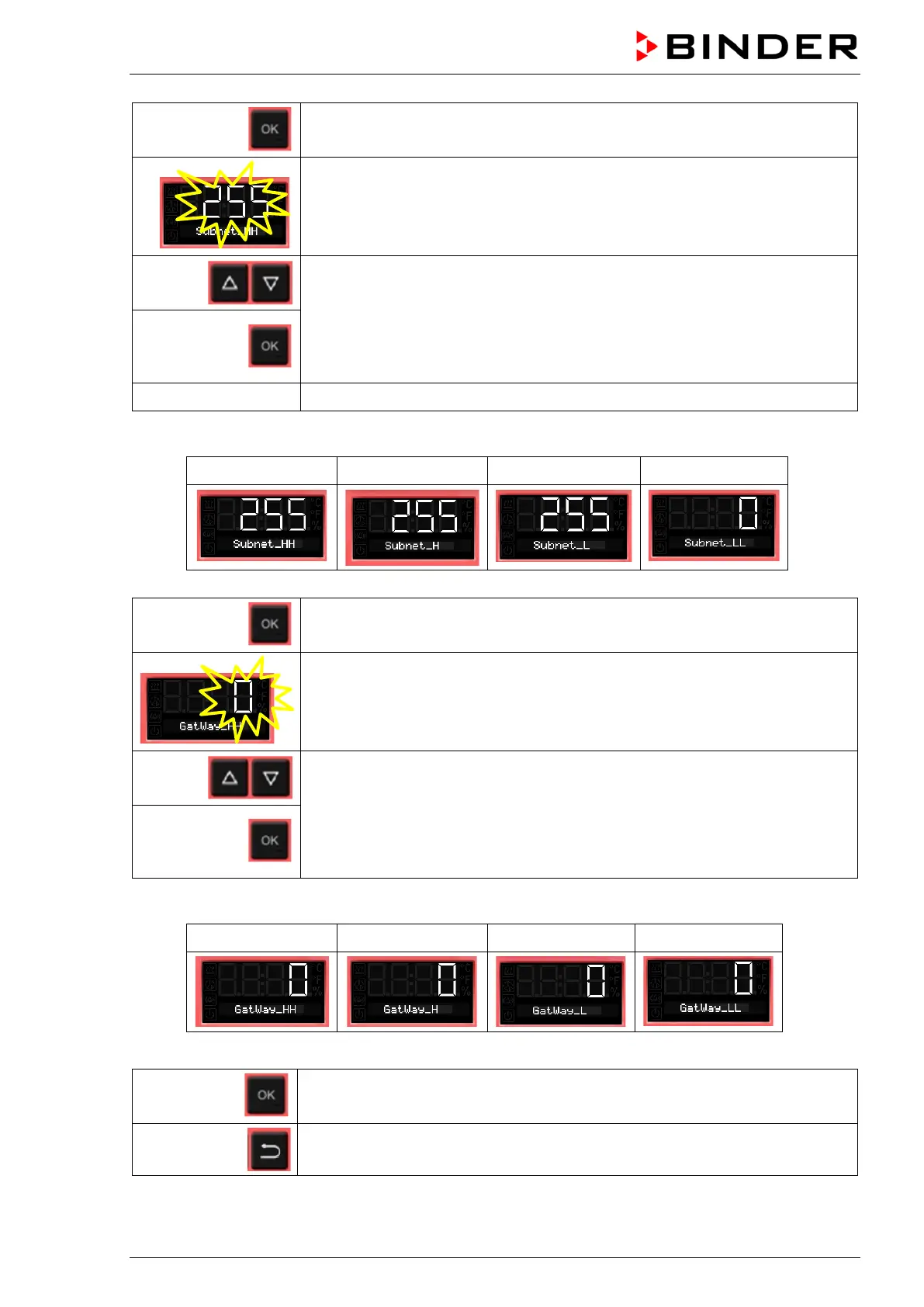
Confirm with OK and go on to enter the subnet mask.
The first digits of the current subnet mask are shown.
The setting flashes.
Enter the desired values with the arrow buttons
and confirm with OK.
The next digits of the subnet mask are shown.
Enter the desired values accordingly.
Example value: 255.255.255.0
255 255 255 0
Confirm with OK and go on to enter the gateway.
The first digits of the current gateway are shown.
The setting flashes.
Enter the desired values with the arrow buttons
and confirm with OK.
The next digits of the gateway are shown.
Enter the desired values accordingly.
Example value: 0.0.0.0
0 0 0 0
Confirm with OK.
2x
Back to Normal display.



 To Next Page