COMBIMASS
®
compact
Doc. No.: 0905AE20500 34
Kapitel 3 Appendix
Entering the menu:
Press the S-button once:
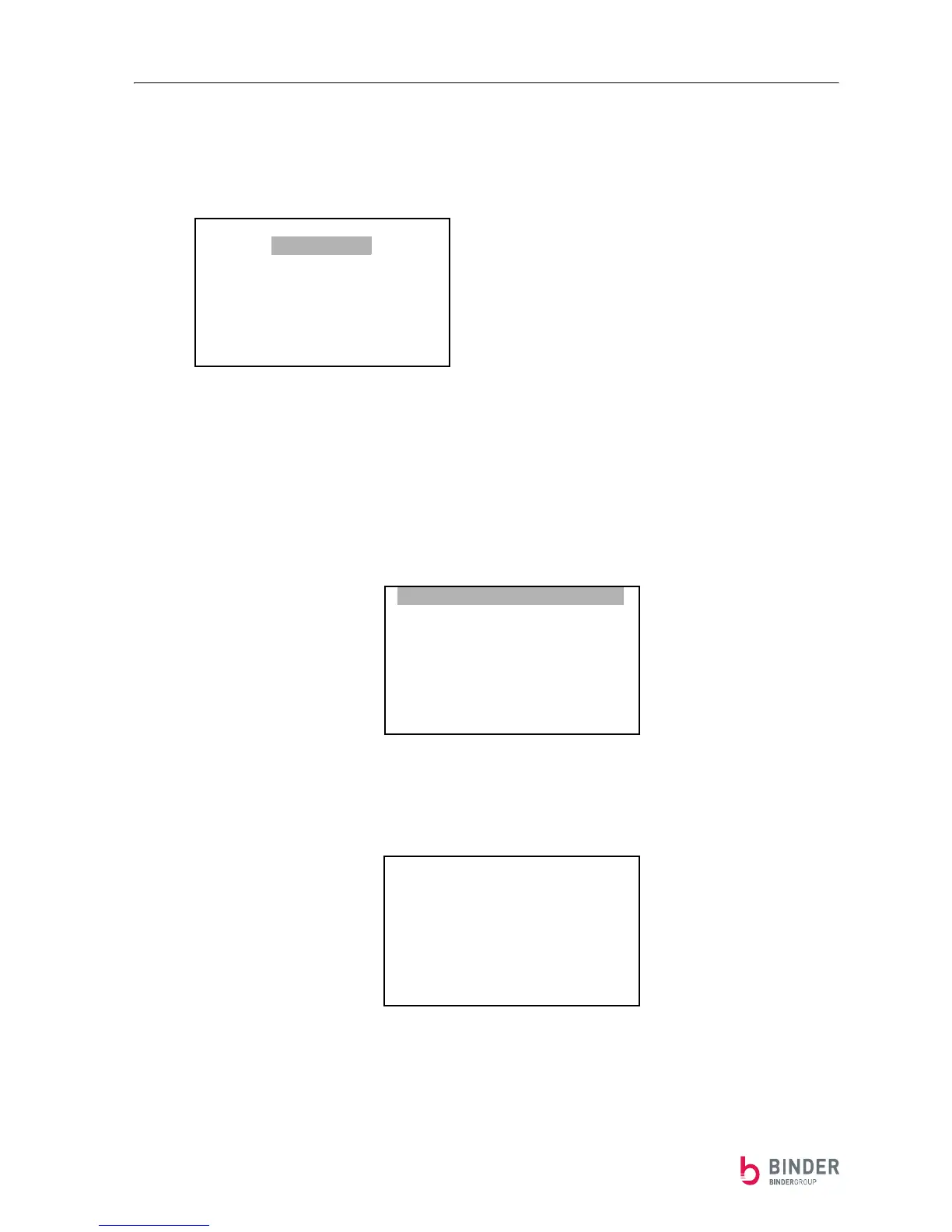
The following menu appears:
By pressing the ⇑- and the ⇓- button, the individual sub menu can be selected.
Press the S-button to enter the selected sub menu.
The function: ----RETURN---- shows the normal mode display.
Example: Leaving the main menu and returning to the normal mode display:
Press the ⇑-button once
and then press the S-button …
… so the normal mode display appears again:
-------RETURN-------
DIMENSION
SUMMATION
PULS
Analog-Output
Correction
Info
-------RETURN-------
DIMENSION
SUMMATION
PULS
Analog-Output
Correction
Info
Act. Flow
00.00
Summation [Nm
3
]
0123456789


 To Next Page