COMBIMASS
®
compact
Doc. No.: 0905AE20500 40
Kapitel 3 Appendix
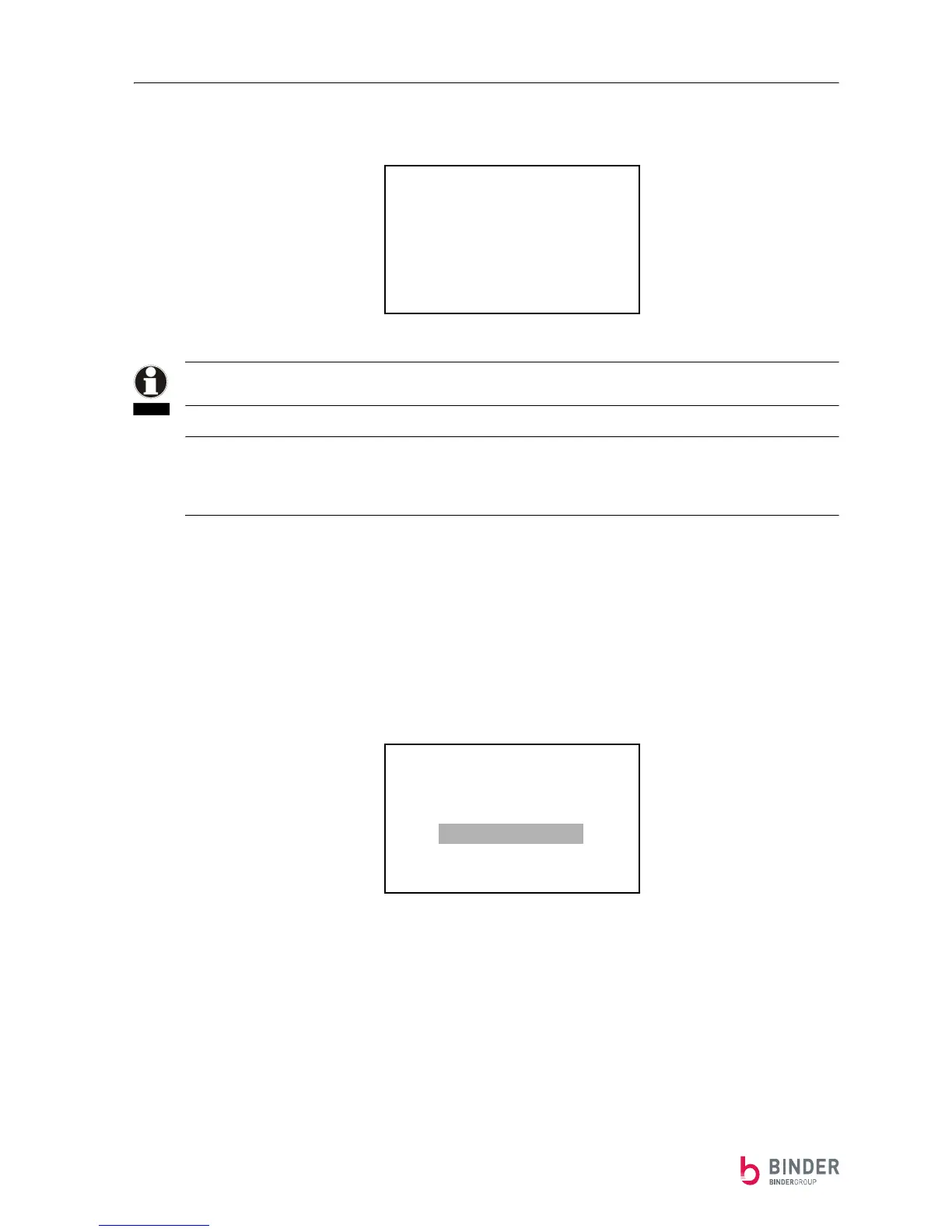
If the pulse is turned on, the pulse rate has to be set in the PULS Rate menu:
Important: If you recently turned on the pulse, always set the PULS Rate to a minimum of
1 Nm³.
Important: If you have a higher maximum flow than about 7,000 Nm³, you have to choose a value so it is
ensured that the device also reaches a maximum of 7,000 pulses per hour if the maximum flow is above
7,000 Nm³.
(For example a maximum flow of 20.000 Nm³/h equals a pulse rate of min. 3 Nm³ [3 * 7.000 = 21.000].)
Analog-Output:
Starting from the normal operation display, press the S-button followed by pressing the ⇓-button three
times to get to the analog-output menu.
Go to the sub menu by pressing the S-button.
PULS Rate
1 Nm3
NOTE
-------RETURN-------
DIMENSION
SUMMATION
PULS
Analog-Output
Correction
Info


 To Next Page