COMBIMASS
®
compact
Doc. No.: 0905AE20500 44
Kapitel 3 Appendix
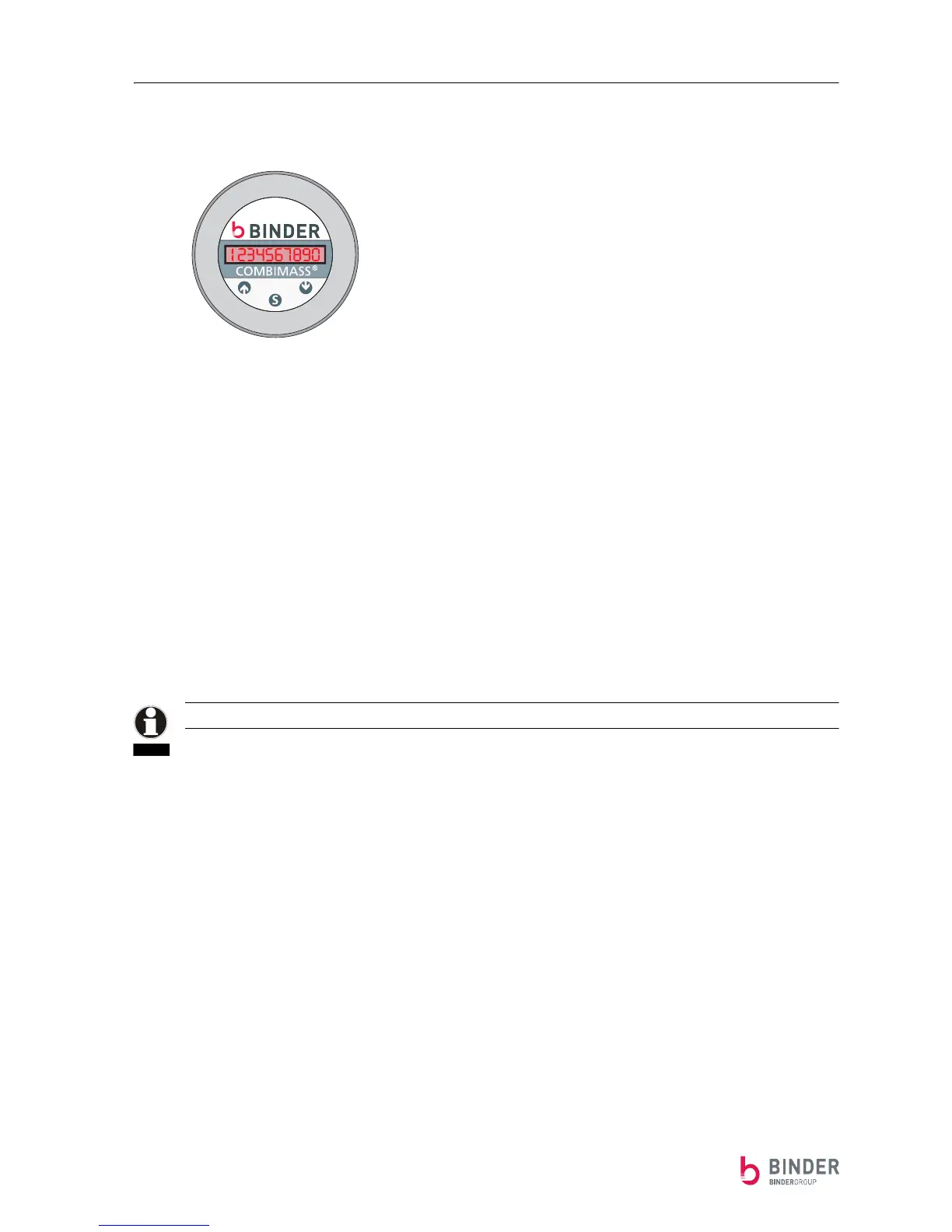
Option: Operating Internal Display Combimass CIII
Operating with a magnet in general:
The magnetic buttons respond (switch) as the north pole side of the magnet gets close.
The following magnetic buttons are available:
⇑ (+ , YES) left button
⇓ (- , NO) right button
SET center button
To get into the next lower menu level, press the SET-button.
If no button is pressed for one minute, the device automatically goes up one menu level by another to the
normal mode display (changes between the actual flow in Nm³/h and the summarized flow in Nm³).
Display:
NCM/H followed by the measured value.
By turns with:
NCM followed by the measured value.
The summarized flow (NCM) is only shown if the summation is turned on.
Entering the menu:
Enter the menu by pressing the SET-button once:
Display:
DIMENSION
By pressing the ⇓- and the ⇑- button, the individual sub menu can be selected.
Press the SET-button to enter the selected sub menu.
Example:
The fourth sub menu CORRECTION is to be entered.
Starting with the normal operation display, press the following buttons:
Display the menu by pressing the SET-button once.
By 4x ⇓ the sub menu CORRECTION is selected.
Display:
CORRECTION
NOTE


 To Next Page