COMBIMASS
®
compact
Doc. No.: 0905AE20500
39
Kapitel 3 Appendix
The pulse:
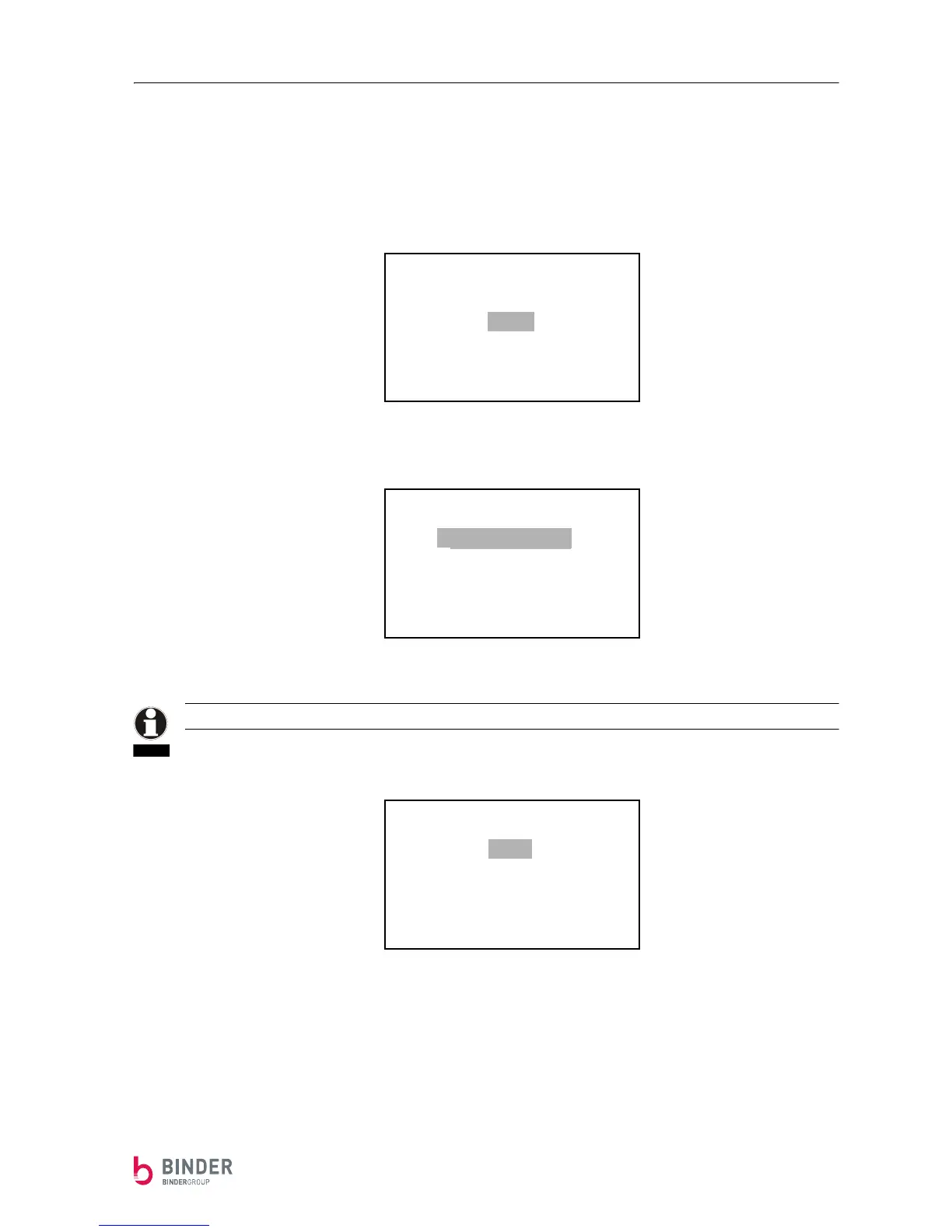
Starting from the normal operation display, press the S-button followed by pressing the ⇓-button twice to
get to the pulse menu.
The following appears:
Start the sub menu PULS by pressing the S-button:
The selection PULS Rate is only shown if the pulse function is turned on.
The pulse function is turned on or off with the function PULS Config (press the S-button once)
:
By pressing the ⇓- and the ⇑-button, the desired value can be selected. By pressing the S-button you can
leave this menu.
-------RETURN-------
DIMENSION
SUMMATION
PULS
Analog-Output
Correction
Info
-------PULS-------
PULS Config
PULS Rate
NOTE
PULS Config
PULS -ON
PULS -OFF


 To Next Page