COMBIMASS
®
compact
Doc. No.: 0905AE20500 38
Kapitel 3 Appendix
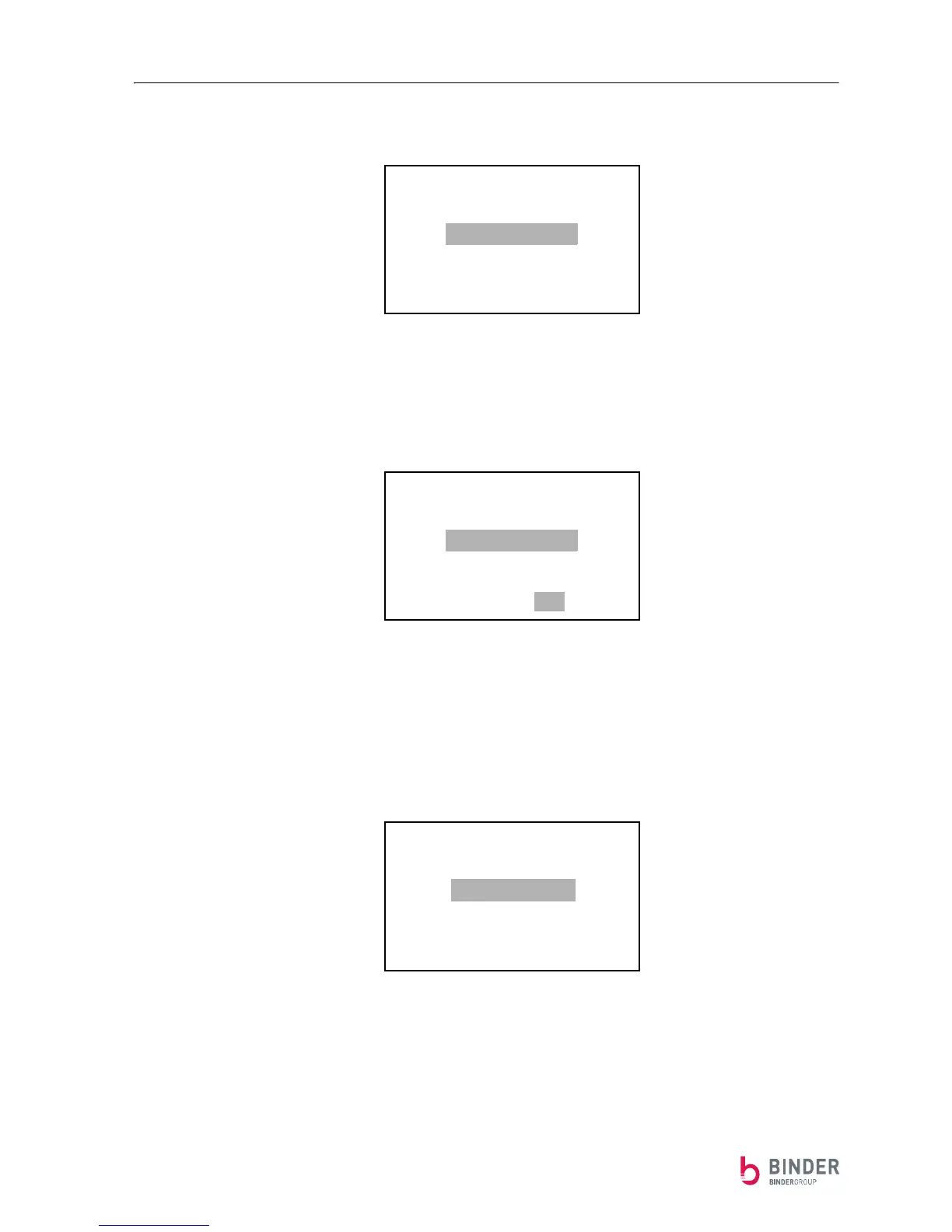
The summation is turned on or off with the function SUMMATION Config (press the S-button once):
By pressing the ⇓- and the ⇑-button, the desired value can be selected. By pressing the
S-button you can leave this menu.
You'll have to confirm a changed value:
By pressing the ⇓- and the ⇑-button, you can save (⇑ =YES) or ignore (⇓ = NO) the new value.
By pressing the S-button, you can leave this menu.
If the summation is turned on, the summation counter can be reset with the function SUMMATION Reset
(select Reset -ON and confirm):
SUMMATION Config
SUMMATION-ON
SUMMATION-OFF
SUMMATION Config
SUMMATION-ON
SUMMATION-OFF
Save ?
YES NO
SUMMATION Reset
Reset -ON
Reset -OFF


 To Next Page