22 Making the documents
Determining the correct spine width
You can use either the Manual Feeder or the Spine Width/Sheet Capacity table to determine
the correct spine width.
Using the Manual Feeder to determine spine width
To use the Manual Feeder for determining the correct spine width, do the following:
1. Open the Manual Feeder Door.
2. Insert the copy set only (no cover) into the Manual Feeder. The 301 DFS will measure
the thickness of the copy set and the Message Display will indicate the required spine
width.
NOTE: When determining the correct spine width, do not insert a cover into the Manual
Feeder along with the copy set. This will result in an inaccurate spine width
measurement.
3. Remove the copy set from the Manual Feeder.
Using the Spine Width/Sheet Capacity Table to determine spine width
If you are using 80 gsm or 20 lb, 24 lb Bindomatic paper, you can use the Spine Width/Sheet
Capacity Table located in chapter 7, ”Technical data”, as an alternative to the Manual Feeder
for determining the correct spine width. The table indicates the minimum/maximum number
of sheets allowed for each spine width.
NOTE: If you are adding inserts made of card stock to your copy set, the copy set may
require a larger cover size than indicated by the Spine Width/Sheet Capacity Table.
NOTE: If you are using a paper weight that is more than 24 lbs, use the Manual Feeder to
determine the correct spine width.
NOTE: The thickness of paper will vary depending on climate and brand of paper, making
the table a guideline only.
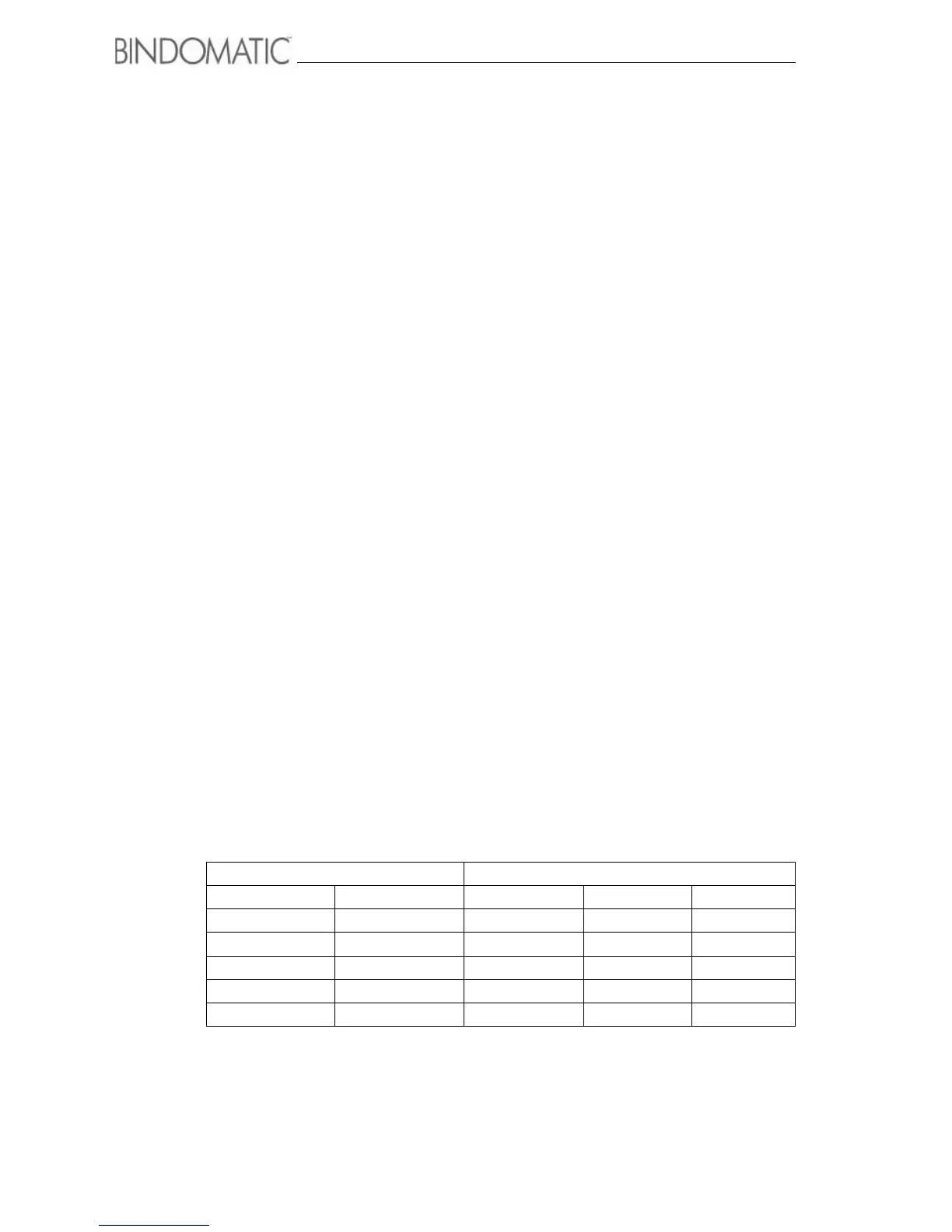
Spine width Number of sheets allowed ¹
Millimeters Inches 80 gsm 20 lb 24 lb
1,5 1/16 min - 13 min - 15 min - 12
3 1/8 14 - 28 16 - 30 13 - 25
6 1/4 29 - 55 31 - 60 26 - 50
9 3/8 56 - 84 61 - 90 51 - 75
13 1/2 85 - 120 91 - 120 76 - 100



 To Next Page