64 Problem solving
Calling for service
Before calling for service: When you experience a problem with the 301 DFS, you may be
able to resolve the problem by referring to the procedures and problem-solving table in this
chapter.
If you are unable to resolve the problem, then place a call for service. Use the telephone
number you recorded on page 2
The Customer Service Support Representative will ask you questions about the problem with
the 301 DFS. Please be prepared to provide the following information as requested:
• Description of the problem
• Status code, if any, displayed in the Message Display of the Control Panel of the 301 DFS
NOTE:To display the status code, press the Stop button on the Control Panel of the 301 DFS
after the fault has occured before opening/closing a door.
• 301 DFS Serial Number (For serial number see page 2).
• Software version (For software version see page 2 or refer to section 4, Customer Tools).
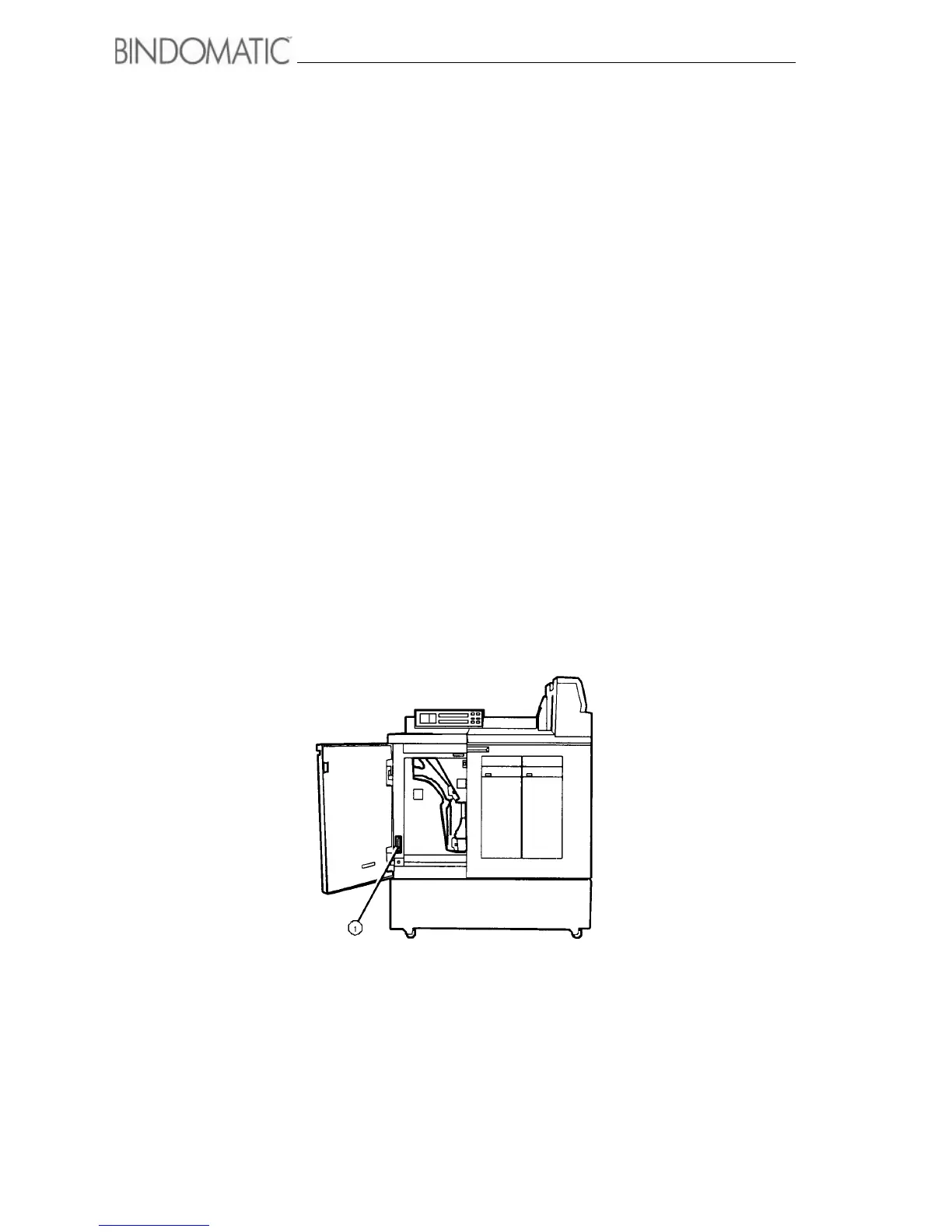
NOTE: To view the machine Serial Number, open the left front door. The Serial Number is
located in the lower left corner as shown in the illustration below.
1. Serial Number



 To Next Page