Making the documents 25
Loading the cassettes into the Cover
Trays
This section explains how to determine when a Cover Tray cassette is empty and how to load
the cassettes into the Cover Trays.
Determining when a Cover Tray is empty
When a Cover Tray is empty, you cannot select it from the Control Panel of the 301 DFS.
You must insert a cassette containing covers into the Cover Tray before being able to select
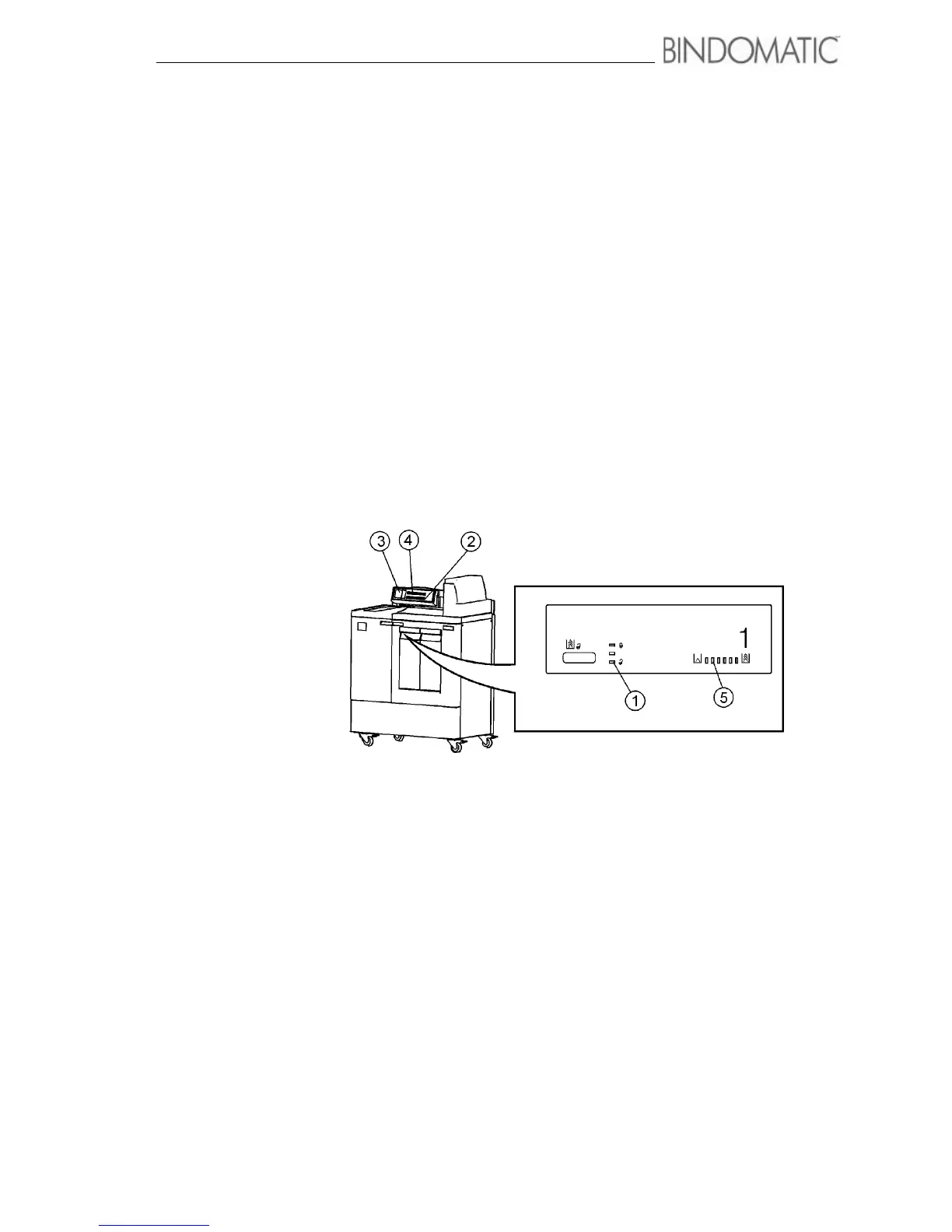
a Cover Tray. The 301 DFS alerts you in several ways when a Cover Tray is empty. These
ways (shown below) can vary for the Cover Tray in use or a Cover Tray not in use that is
empty.
1. Ready to Open indicator light
2. Cover Supply Contents Display
3. Mimic Display
4. Message Display
5. Cover Supply indicator lights



 To Next Page