Customising your Bindomatic 301 DFS 39
How to change the Customer Tools
features
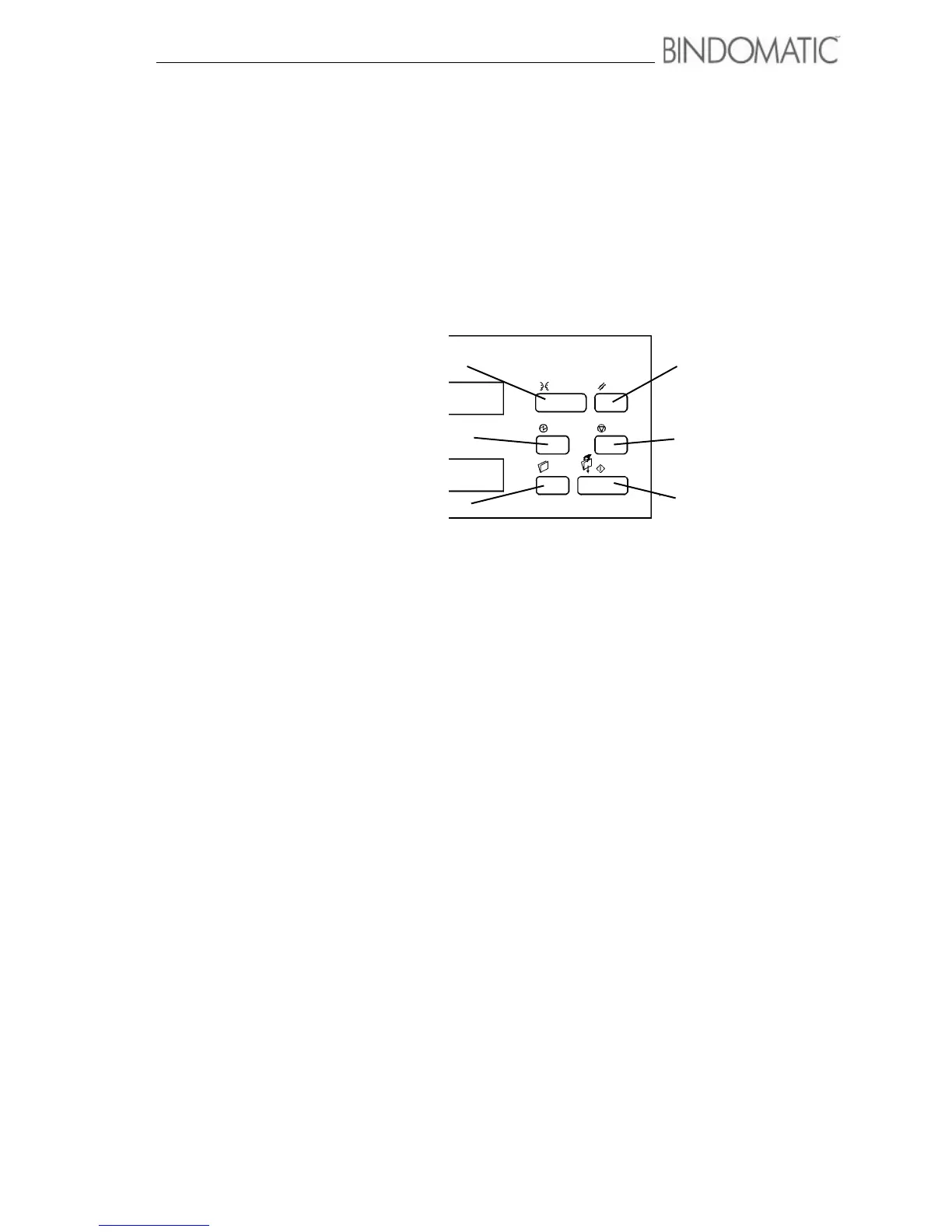
The buttons on the right side of the Control Panel on the 301 DFS enable you to enter the
Customer Tools mode and change the features. For assistance with the location of these
buttons, refer to the illustrations below.
To change the Customer Tools features, first use the instructions on this page to access the
Customer Tools features. Then use the instructions on the following pages to change the
settings for the desired features.
Entering the Customer Tools mode
To enter the Customer Tools mode, do the following:
1. Simultaneously press and release the Energy Saver and Stop buttons when no
documents are being processed.
The Message Display and Cover Supply Contents Display will now contain instructions
for accessing the Customer Tools.
2. Do one of the following:
a. If the security code has not been changed, enter the default security code by pressing
the Language button five times.
b. If the security code has been changed, enter the current five-button security code.
NOTE: For security, the code you enter will display as asterisks.
Stop
Manual sart
Reset
Energy saver
Language
New job



 To Next Page