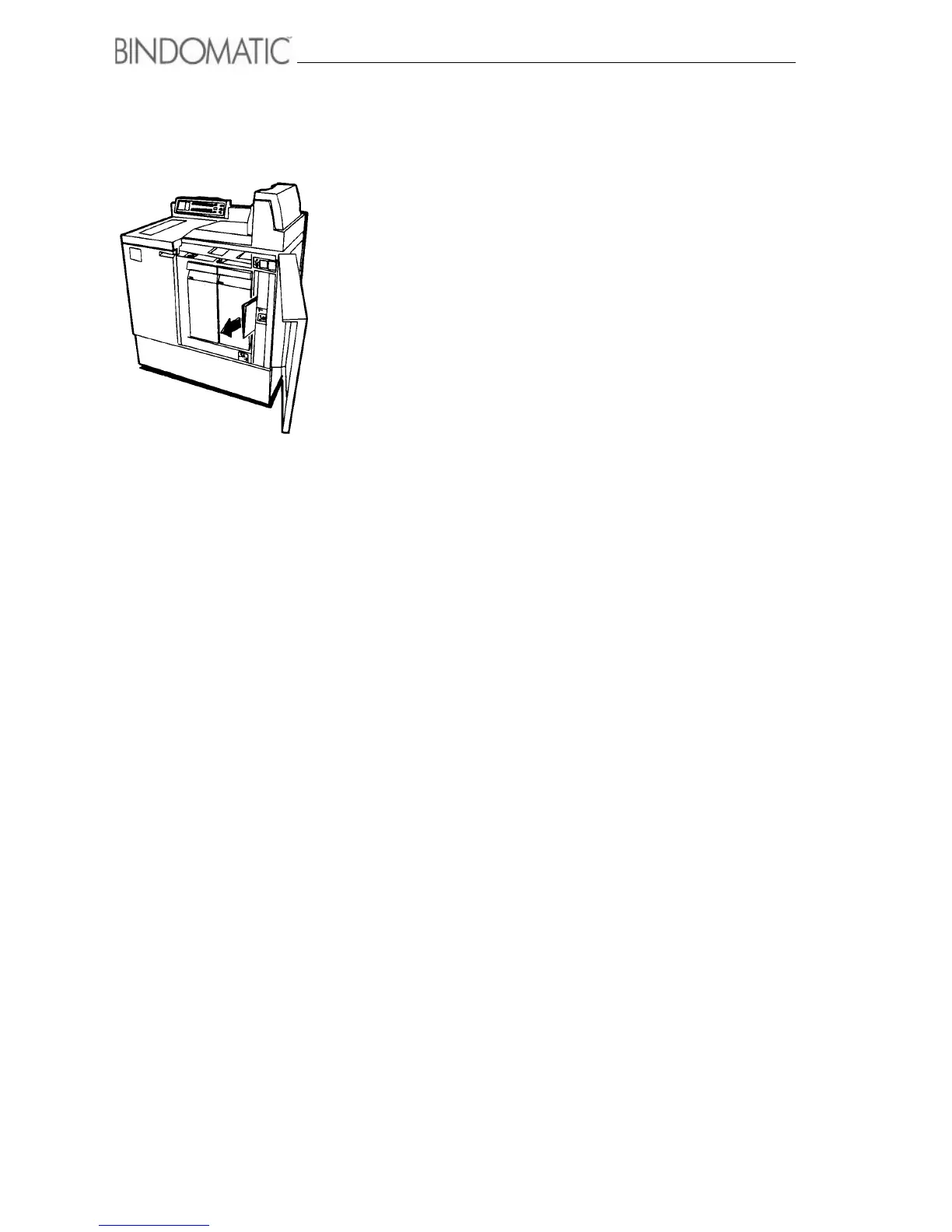
56 Problem solving
Areas F5, F6, F7
To clear a jam in areas F5, F6 or F7, do the following:
1. Read the instructions in the Message Display.
2. Use the Mimic Display to locate the jam.
3. Open the Right Front Door.
WARNING: Be careful not to pull on the Document String
Guides when removing jammed documents.
4. Follow the instructions on the jam clearance label(s) to
remove the document and any obstruction.
NOTE: Any documents removed during this jam
clearance operation have completed the binding process. If
they are undamaged, store them with your other completed
documents.
WARNING: Close the Right Front door as soon as you clear
the jam. If you leave the door open too long, any documents
waiting in the Binder Module area will overheat. This will
result in defective binding and warped documents.
5. Close the Right Front Door.
6. Do one of the following:
a. If the Binder is in the on-line mode, proceed to step 7.
b. If the Binder is in the manual mode, insert the next
copy set or copy set with cover into the Manual Feeder
and press the Manual Start button. Ignore the
remaining steps in this procedure.
7. Read the instructions in the Message Display.
8. Follow the directions on the host machine User Interface
screen.



 To Next Page