16
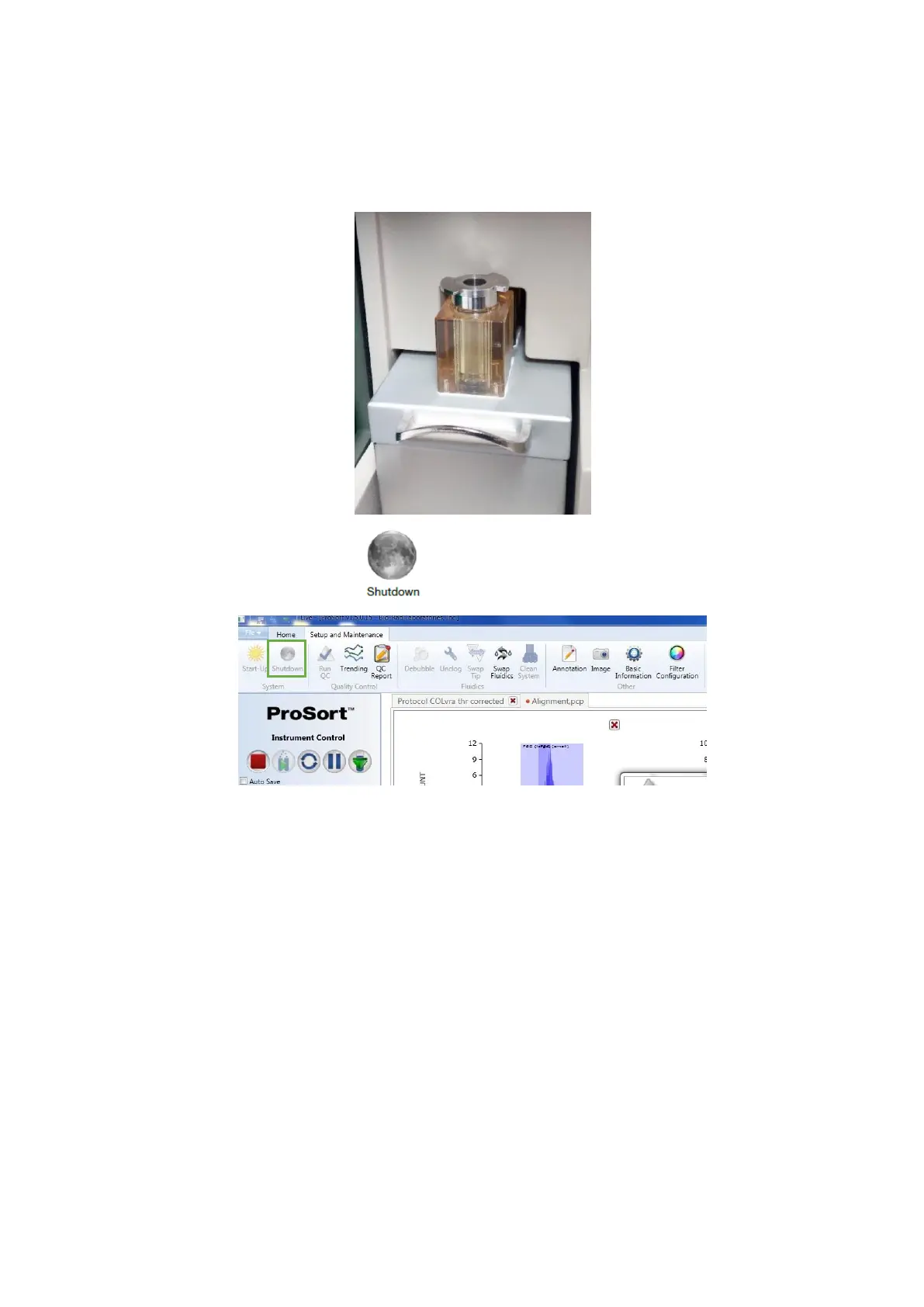
8. When the cleaning protocol is complete, the prompt “Please put Loading Stage
into the Wash Position” will appear in the Clean System process window. Move the
loading stage into the wash position to close such window
9. Click in the Shutdown button in the Setup and Maintenance tab
10. Select the Yes option to confirm that the system should be shut down at this time
11. Select the Yes option to continue without saving protocols. Otherwise, select
Abort, save the protocols and repeat the previous steps.
12. If you intend to use the Automatic Start-up option, box the Yes option and set
both start date and time in the Automatic Start-up window



 To Next Page