___________________________________________________________________
8 Libra S21/S22, English Issue 02 - 04/2004
Applications (2)
Wavescan (2.1)
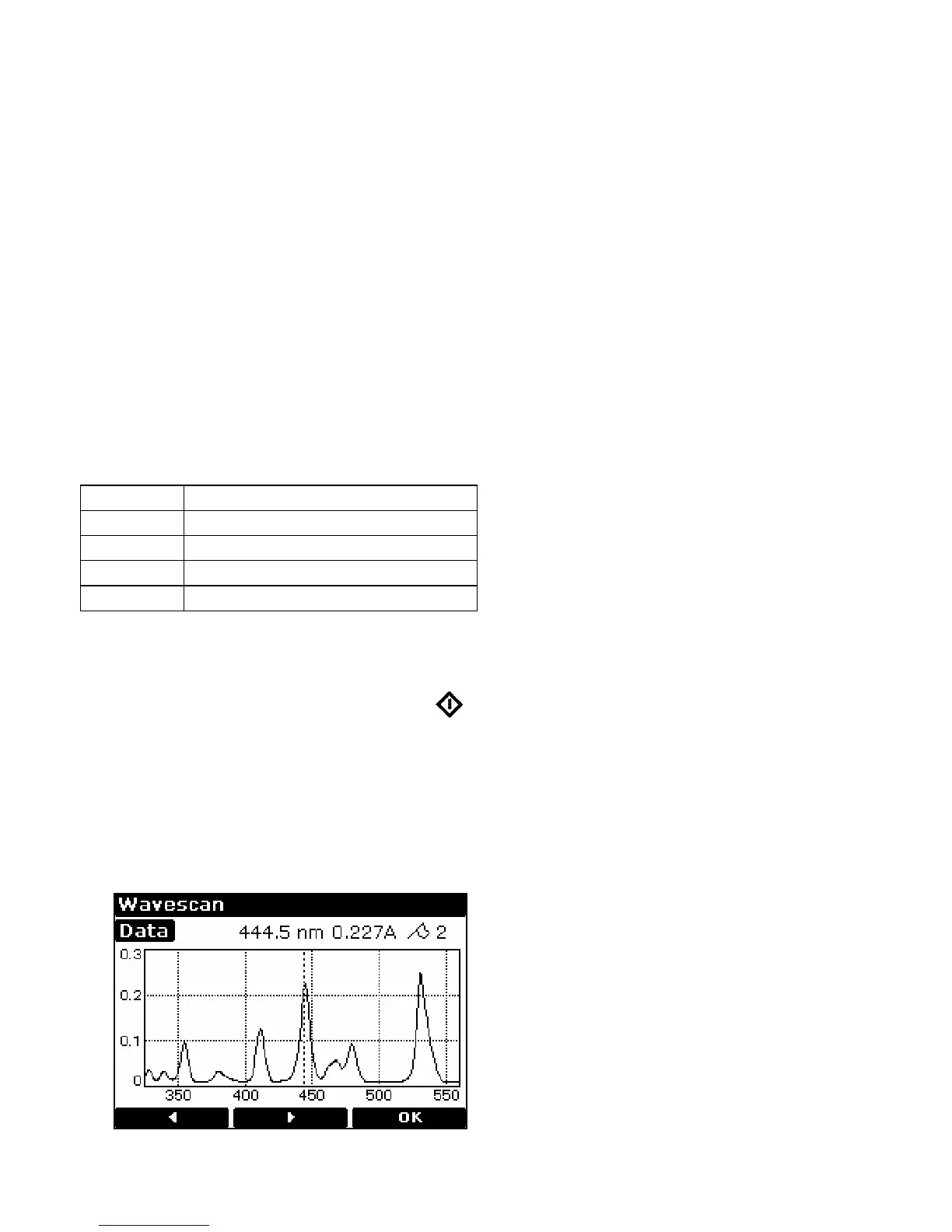
An absorption spectrum can be obtained from your instrument; this enables simple
identification of peak height and position. A reference scan has to be obtained first.
The procedure is as follows:
• Select Absorbance (1) or Transmission (2) mode
• Enter start wavelength (range 190 or 325-890nm) and press OK (F3)
• Enter end wavelength (range 200 or 335-900nm) and press OK (F3)
• Select scan speed as appropriate; slow (1), medium (2), fast (3) or survey (4).
The scan speed depends on the wavelength range due to the wide range in
baseline energy and this in turn affects data interval, so the figures are nominal.
• Select if the peak check table is required; if selected, a table of wavelengths and
absorbance maxima for up to 20 peaks can be printed out
Nominal scan speed, nm/min
Slow 250
Medium 750
Fast 1800
Survey 3000
• Insert reference and press green run key to obtain reference spectrum
• This reference spectrum is used for subsequent samples until changed
• Insert samples as required and press (repeat as necessary)
• Press Data (F3) to access data points; these can be viewed by moving the
cursor (F2 and F1) a peak is indicated by a flag symbol
• For rapid movement, press 4 / 6 to go to left / right side of the graph, or 5
to go the centre
• Press 2 to zoom in (8 to zoom out)
• To go back and change the parameters press Method (F1)


 To Next Page