___________________________________________________________________
12 Libra S21/S22, English Issue 02 - 04/2004
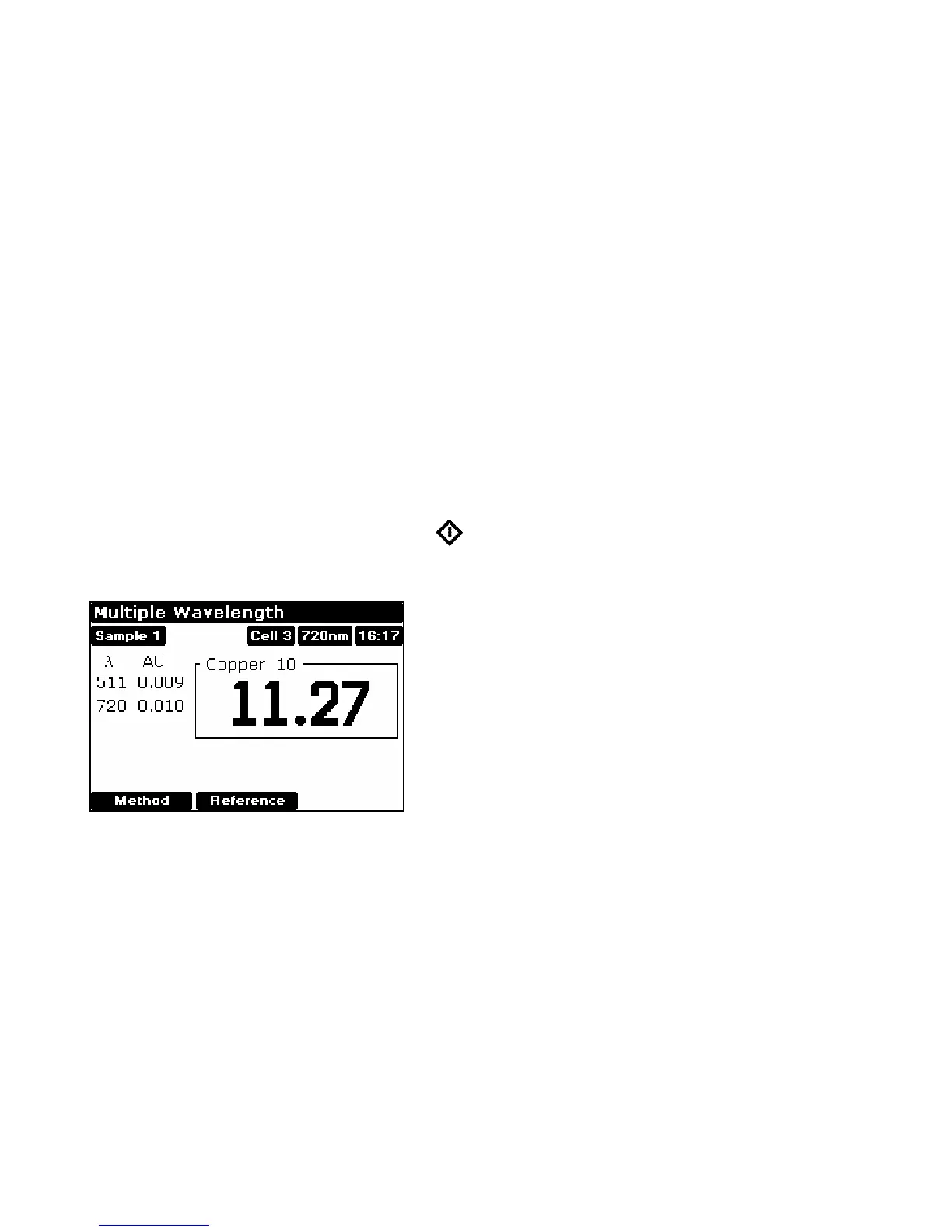
Multiwave and Equation Entry (2.5)
The measurement of Absorbance / Transmission values at specific wavelengths and
combining these with appropriate factors is a means of overcoming interference
effects in several applications. By using the equation entry facility, post
measurement calculations can be done automatically and the end result displayed for
the operator. This is a very powerful facility indeed for the busy industrial, QC or
environmental testing laboratory. Up to 5 absorbances / transmittances at different
wavelengths can be measured and factors applied to them; an overall dilution factor
can be applied to the completed equation. The procedure is as follows, and is best
described using an example:
• Write the equation out in front of you, ensuring there are no syntax errors
• Select Absorbance (1) or Transmission (2) mode
• Enter the title; this will be shown with the result on the display and print out, so
should be descriptive (see Appendix)
• Enter the equation (see Appendix)
• Insert reference and press green run key
• This reference value is used for subsequent samples until changed
• Insert samples as required and press (repeat as necessary)
• To go back and change the parameters press Method (F1)


 To Next Page