___________________________________________________________________
14 Libra S21/S22, English Issue 02 - 04/2004
System Utilities
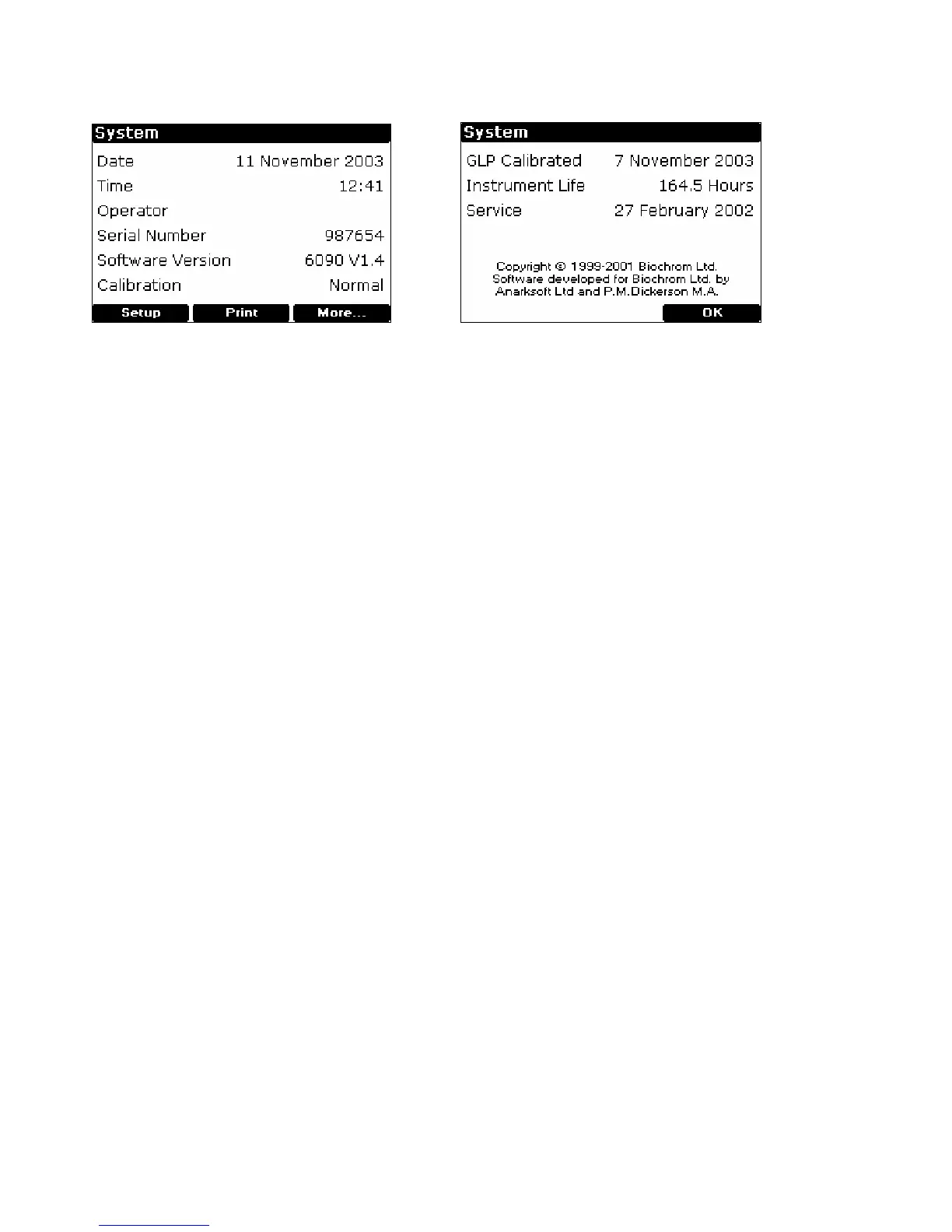
After selecting the system option (F1) on the home page, there is initial information,
including the calibration status of the instrument and the date of the last full GLP
calibration (see above). The GLP calibration details can be printed out for record
purposes by pressing F2 if required; note they are printed automatically depending
on the specified GLP calibration interval (see below).
Set up
To adjust the contrast of the display to suit lighting conditions, press Contrast 6 or
Contrast 5 to decrease or increase (F1 or F2, respectively).
Clock (1)
Press OK (F3) to cycle through year, month, day, hour, minute and use F1 or F2 to
adjust the parameter down or up, as appropriate.
Customise (2)
Instrument description (for example asset number), operator name and replacement
group names for Methods A, B and C (for example application types or operator
name if a multi-user environment) can be entered here. To enter a name, press
appropriate key on keypad to cycle through options of lower case letter, numbers and
upper case letters (for example pressing key cycles through abc2ABC).
Preferences (3)
Set your preferences as follows:
• Sample number prompt no / yes (enables entry of sample number between 1-
999 prior to running an experiment, rather than starting from Sample = 1
again).
• Autoprint on / off (if off, results can be printed manually using . key
• Printer
• Default graph scale (0 – 3, 0 – 2, 0 – 1, 0 – 0.5 and Autoscale)
• Confirm exit from application no / yes
• Key click on / off


 To Next Page