112 Biodex Medical Systems, Inc. © 2017
Segment B – Raw Data Points Segment:
For the Data segment, cell A represents the Minimum Tolerance Range, cell B represents Step
Length
on the Left foot, cell C represents the Step Length on the Right foot, and cell D
represents the Maximum Tolerance
Range.
Table A.3. Single Test Export CSV File – Raw Data Points.
CSV File Format Explanation – Multiple Record CSV File
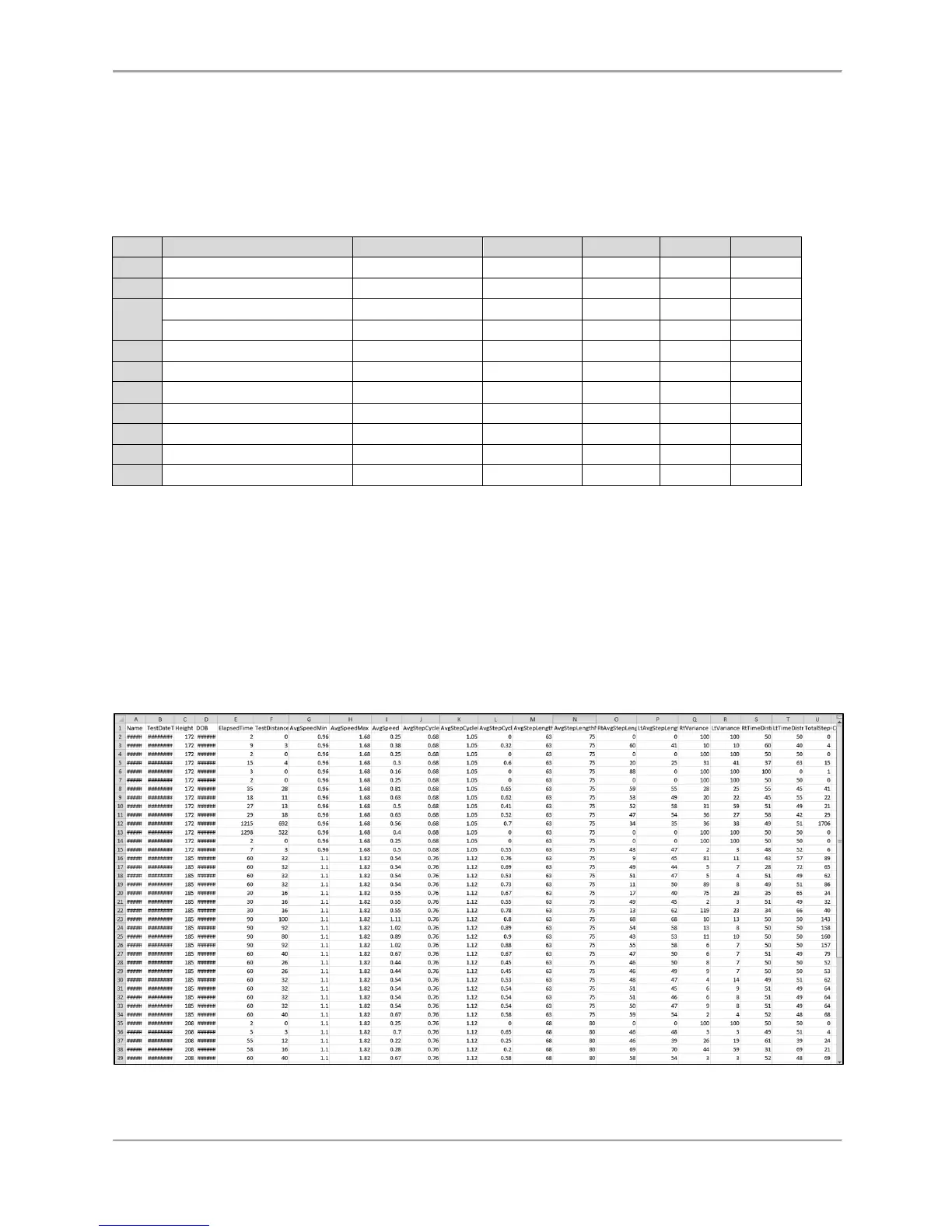
The Gait Trainer application allows exporting multiple records to a single CSV file, and can
be used to create personalized normative data. Figure A.1 is an example of a previously
exported CSV file.
Each row in the table represents an individual test record. There will be more columns for each
row than displayed on the sample report. It is suggested that the unnecessary data columns be
deleted or hidden. The statistical analysis can easily be performed on this data.
Figure A.1.
Multiple Record CSV Export Sample File Format
.



 To Next Page