68 Biodex Medical Systems, Inc. © 2017
Printing Stored Results
To Print a Stored Test Result or Histogram:
• Touch <Next> at the Patient Management – Select a Patient screen.
• At the Data Management – Test Results screen, touch <Edit>.
• Touch <Print Results> to print out the patient file, or touch <Print Histogram> to print
out a patient histogram.
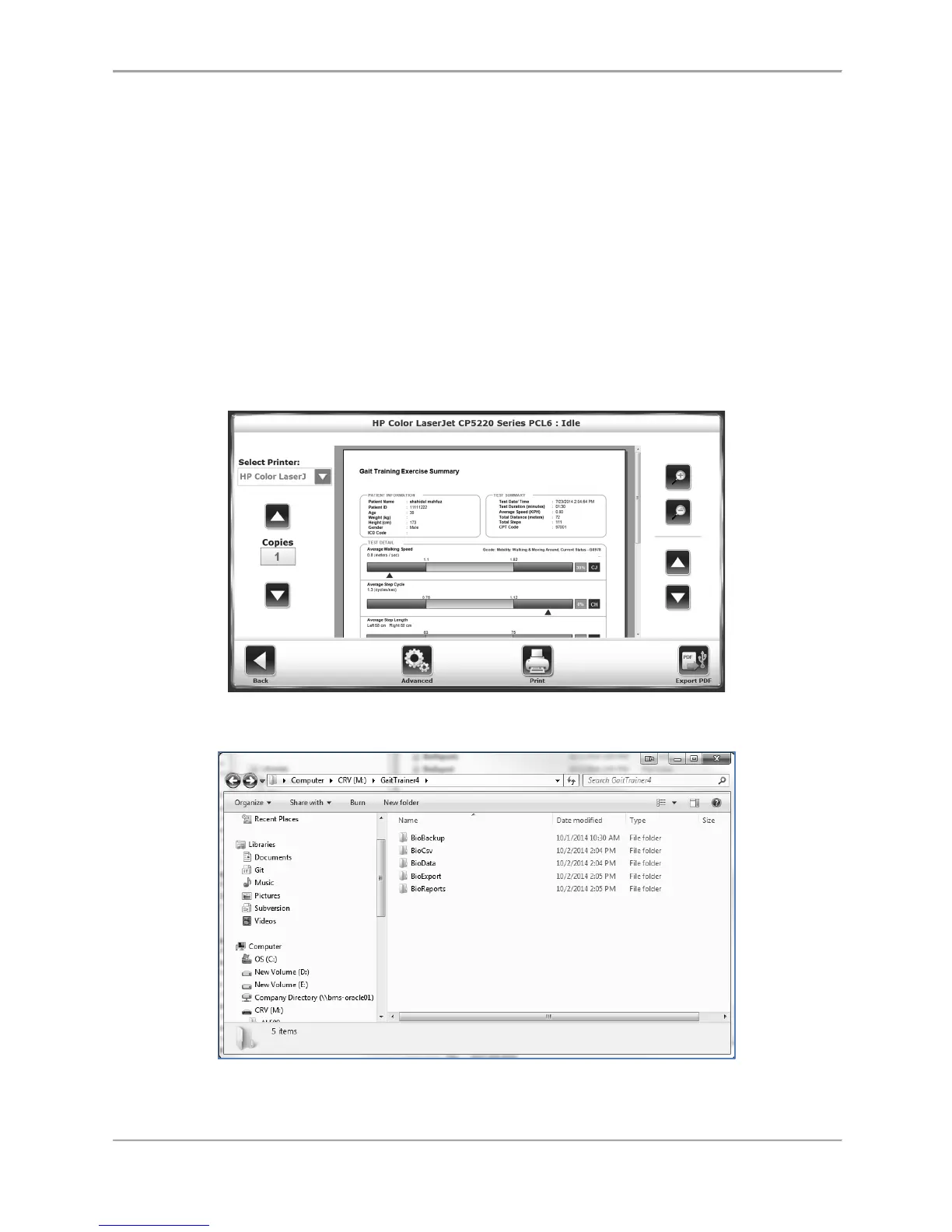
• At the Print screen, the user has the option to send the record to a connected printer or
to export the document to a PDF on a USB flash drive without printing it.
Note: When <Export PDF> is selected, the PDF will be exported to an automatically
generated folder titled “BioReports” on an inserted USB flash drive.
• After printing, the system returns to the Stored Test Result screen.
Figure 8.20. Print Results screen.
Figure 8.21. The hard drive saving location for the <Export PDF> function.



 To Next Page