66 Biodex Medical Systems, Inc. © 2017
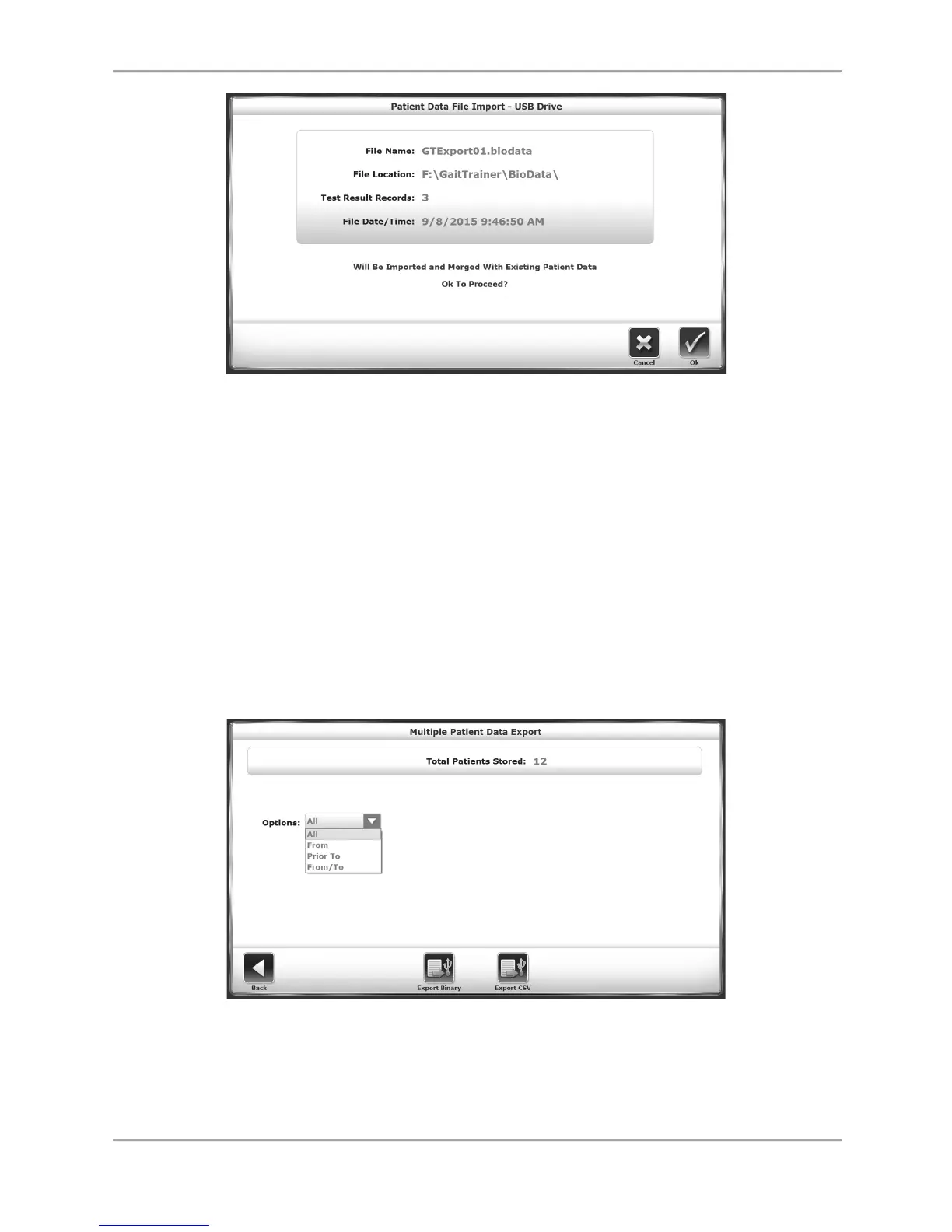
Figure 8.17. The Patient Data File Import Screen.
To Import a Patient Data Set:
1. From the Patient Management – Select a Patient screen, touch <Import>.
2. The system displays the contents of a biodata folder from an attached flash drive.
Select a data set to import by touching a particular row.
3. Touch <Import Selected Data>.
4. A confirmation screen is displayed prompting the user whether or not to proceed.
Touch <OK> to update the system’s data set with the patients and their associated test
results in the imported data.
Exporting Multiple Patient Data Sets
The Export Multiple function allows patient data from stored tests to be exported in either a
binary (.biodata) file format or a CSV format.
Figure 8.18. The Multiple Patient Data Export screen.



 To Next Page