22 Biodex Medical Systems, Inc. © 2017
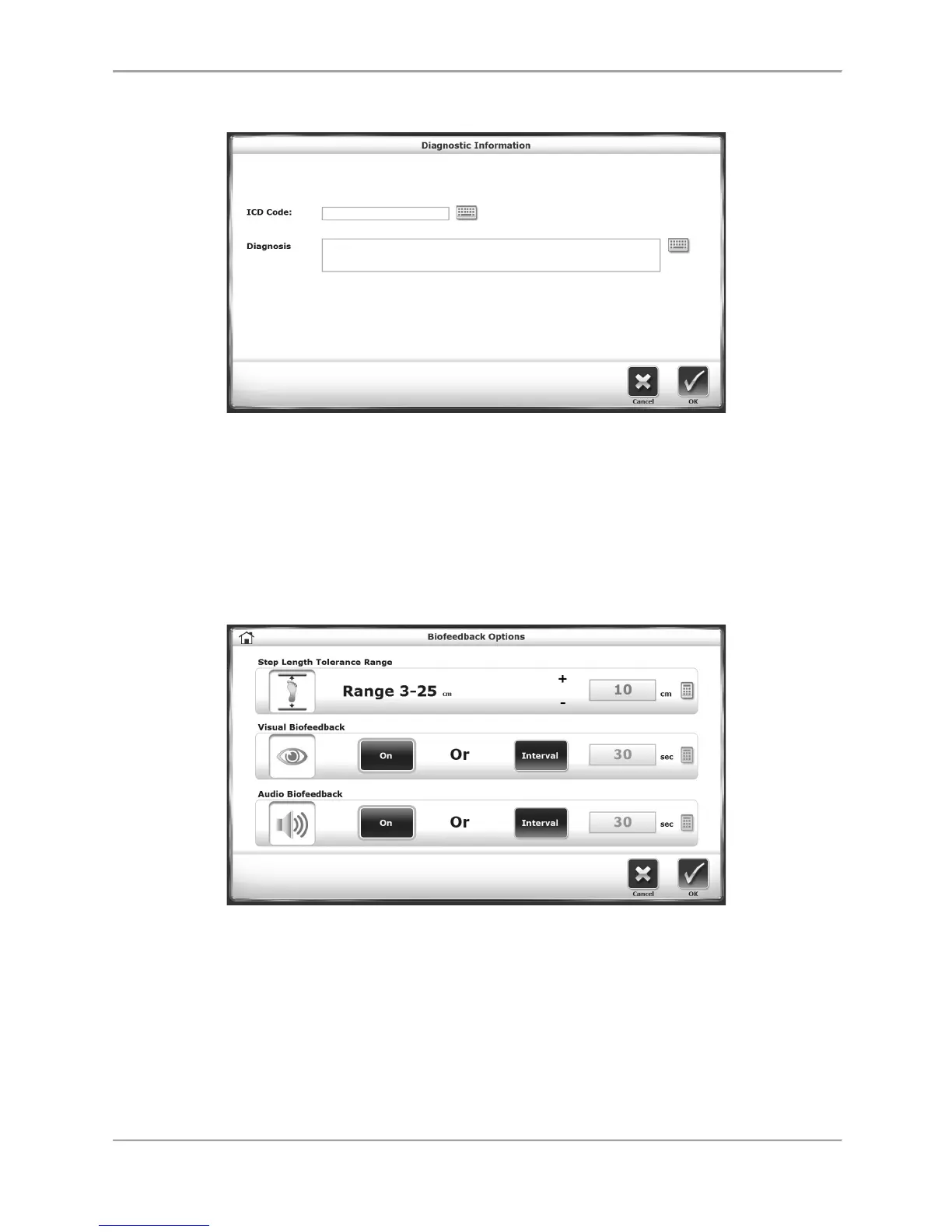
The Diagnostic Information Screen
Figure 2.5. The Diagnostic Information screen.
On the Diagnostic Information screen, users can manually enter an ICD code in one field and
more specific text in the other larger field. Note that this screen does not necessarily have to
feature an ICD Code field; this can be activated or deactivated in system Utilities.
The Biofeedback Options Screen
Figure 2.6. The audio/visual Biofeedback Options screen.
The Biofeedback screen is accessed from the Gait Training User Information screen by touching
the <Biofeedback> icon. At this screen, biofeedback parameters can be entered or set. A brief
explanation of each parameter and function follows.
Audio/visual biofeedback screen parameters and functions:



 To Next Page