GAIT TRAINER 3 (v3.X SOFTWARE) 15
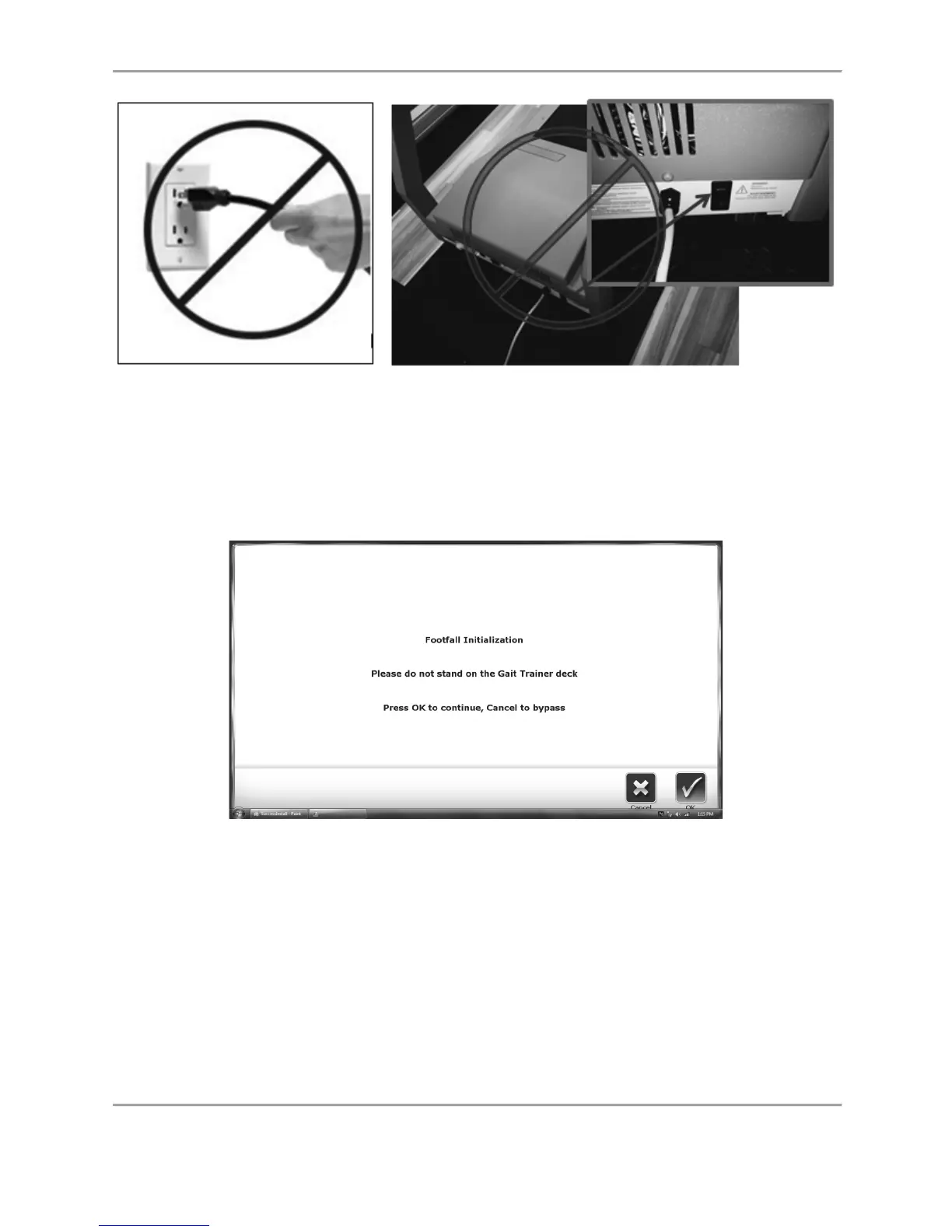
Figure 1.6. Do not unplug the device or turn off the controller tray circuit breaker
front base switch before powering down the display.
Initial Setup and Activation
When the system is first powered on, the following screen is displayed if someone is standing
on the treadmill deck:
Figure 1.7. Footfall Initialization Screen
Note: It is important to not be standing on the treadmill deck when OK is selected to perform
the footfall initialization. The footfall initialization calibrates the treadmill sensors to patient
footfalls. Standing on the treadmill deck while the initialization is in process, will result in
inaccurate footfall readings.
Printer Installation
1. Refer to the supplied printer manual to unpack the printer and ensure that it has not been
damaged by shipping.
2. Position the printer on the Biodex-provided printer stand.



 To Next Page