GAIT TRAINER 3 (v3.X SOFTWARE) 21
Additional Gait Training Patient Setup Screen Parameters
NOTE: The following parameters are only visible when they are activated within the Gait
Trainer Configuration settings (i.e., in system Utilities.)
● G-Code Options (Figure 2.10.): Touch <G-Code> to apply certain G-Code settings to this
particular patient.
● Diagnosis (Figure 2.5): Touch <Diagnosis> to enter diagnostic information for the
patient, including an ICD code.
● CPT Code (Figure 2.3): Touch the <CPT Code> drop-down menu to assign a particular
CPT (Current Procedural Terminology) code to the patient.
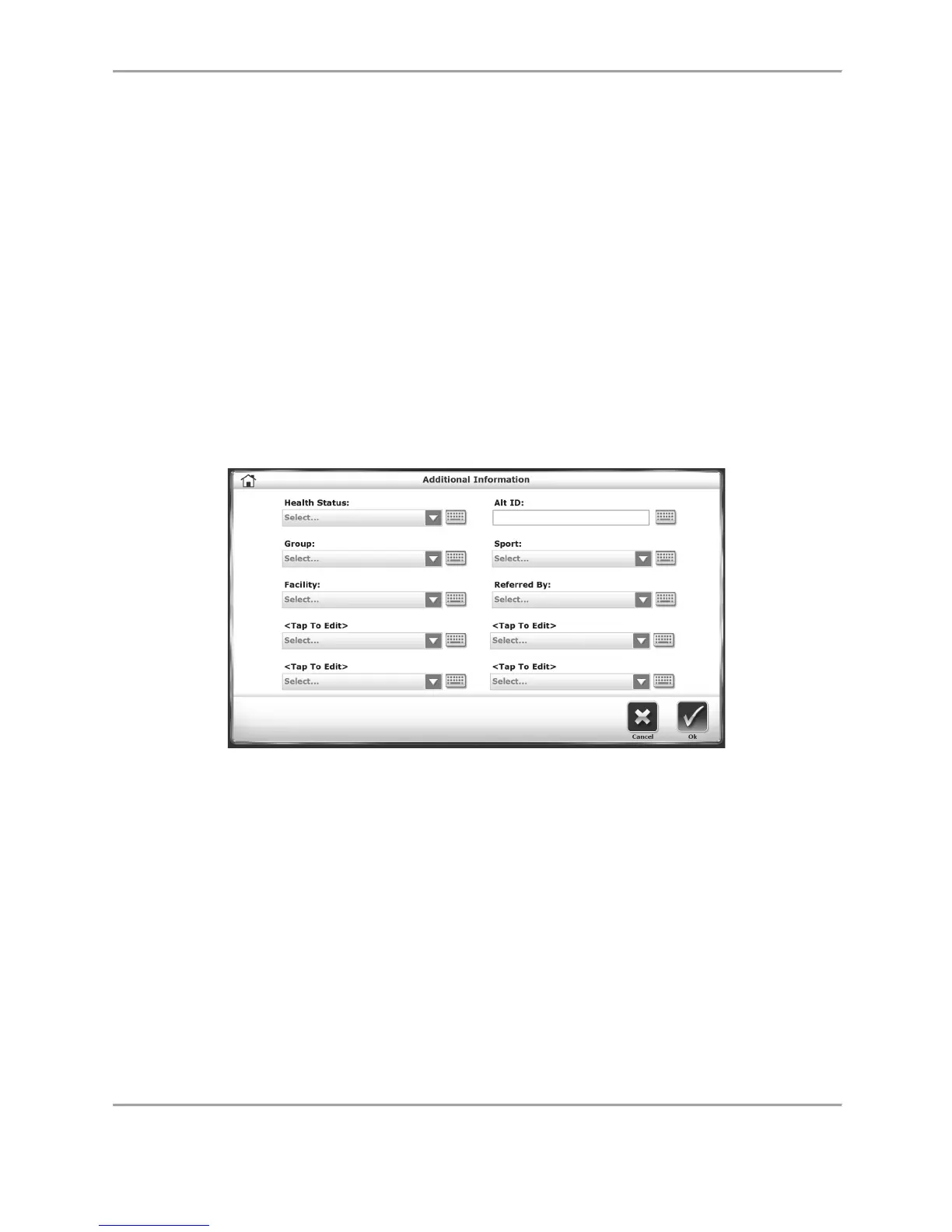
The Additional Information Screen
Figure 2.4 The Additional Information screen.
The Additional Information screen contains a series of drop-down menus and editable fields in
which users can enter various types of information about the patient. In each menu, users can
enter a new value or item into the drop-down list.



 To Next Page