14 Biodex Medical Systems, Inc. © 2017
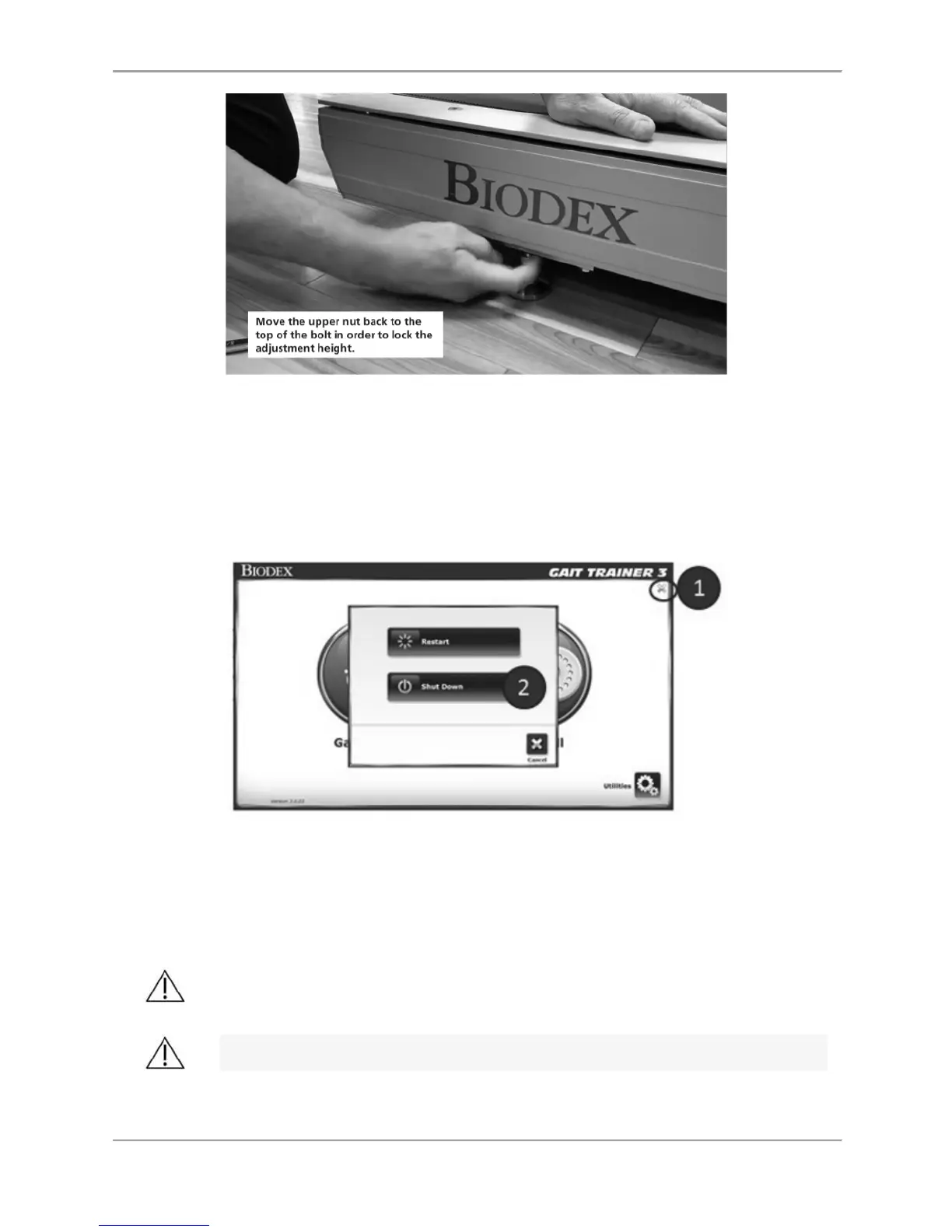
Figure 1.4. Adjusting the height of the Gait Trainer
Power-down
In order to prevent the device’s database from becoming corrupted, it is essential that the
correct power-down sequence is performed. Always turn off the display, by touching the “X” in
the upper right corner of the home screen, followed by “Shut Down”.
Figure 1.5. Power-down sequence.
Once the display has finished its shut down sequence, power may be removed from the
treadmill using the main ON/OFF switch located on the front of the base where the power line
cord enters the treadmill.
CAUTION: Do not unplug the device or turn off the ON/OFF front base switch
before powering down the display!
ATTENTION: Ne débranchez pas l 'appareil ou n'éteignez pas le commutateur
de la base avant avant d' éteindre l 'écran!



 To Next Page