GAIT TRAINER 3 (v3.X SOFTWARE) 25
The G-Code Calculator Options Screen
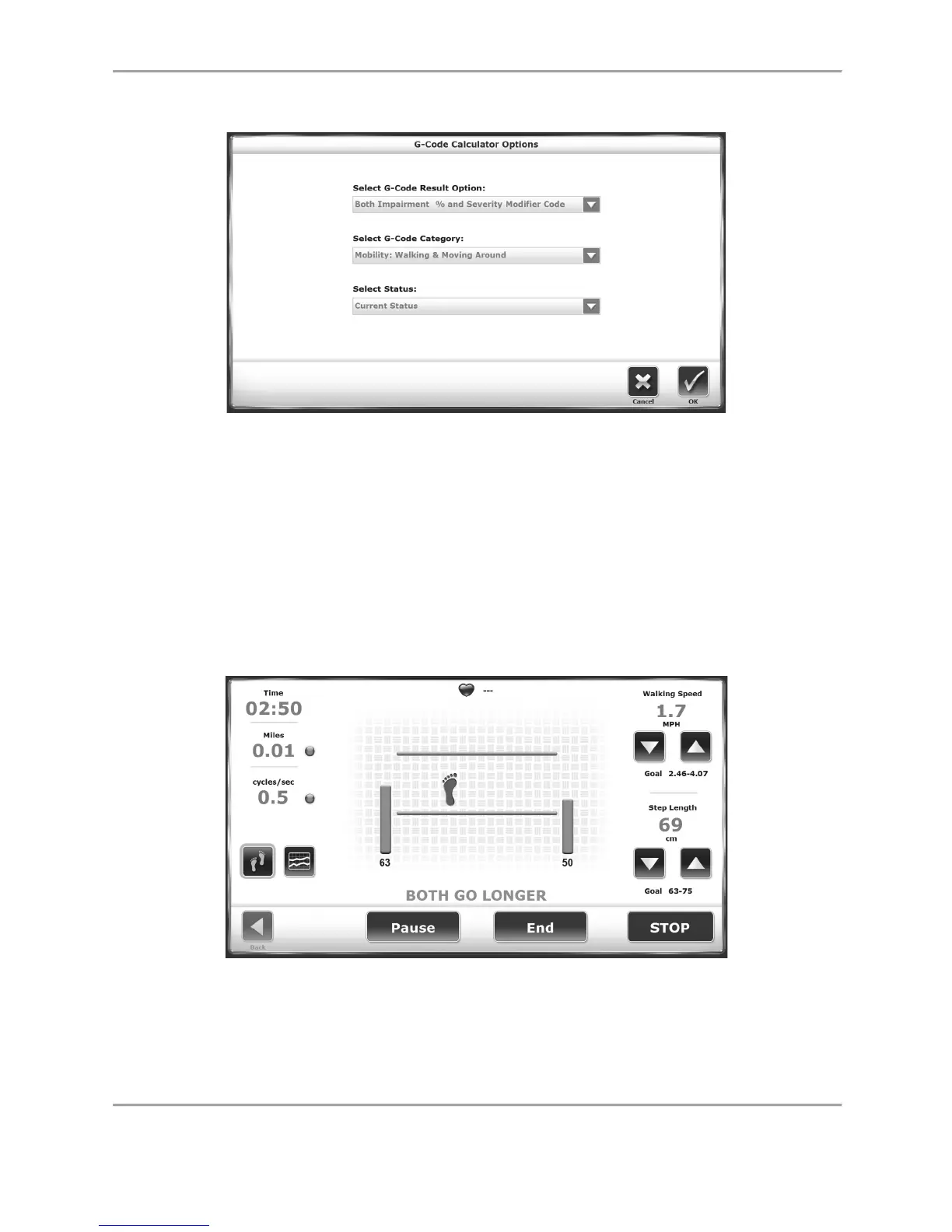
Figure 2.10. The G-Code Calculator Options screen.
The G-Code Calculator Options screen contains three drop-down menus that will apply various
types of G-Code data to the patient’s tests. The G-Code result options and categories are
discussed in depth in a later section of this document.
After making any selections to the menus on this screen, note that the G-Code icon on the
Patient Setup screen will change from red to green.
Footfalls/Histogram Screen
Figure 2.11. If the Patient’s Steps are outside of the Target Step-Length Range, One or
Two Vertical Orange Bars are Displayed.



 To Next Page