24 Biodex Medical Systems, Inc. © 2017
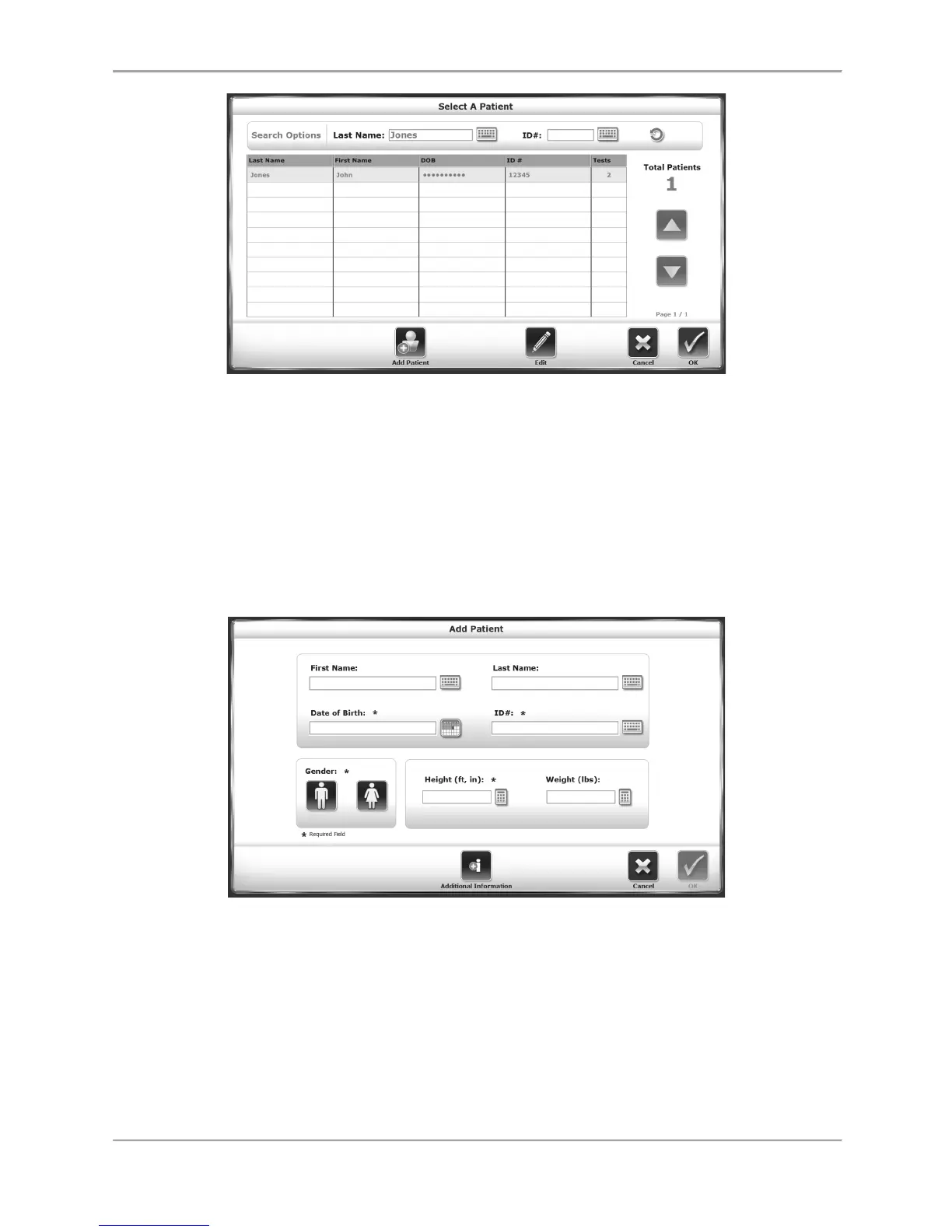
Figure 2.8. The Select/Edit Patient screen, showing search results. To reset listing of
all patients, select the circular refresh arrow in the upper right corner.
If the number of patient records on the device is relatively small, it may be easier to scroll
through the records with the <▲> and <▼> arrows. (The arrows will not scroll through
individual records, but rather pages of records — ten per page.)
Patient records can be edited on this screen, or a new patient can be added. Many of the same
information fields that are in the Patient Setup screen will need to be entered.
Figure 2.9. The Add Patient screen.



 To Next Page