GAIT TRAINER 3 (v3.X SOFTWARE) 57
Configuration
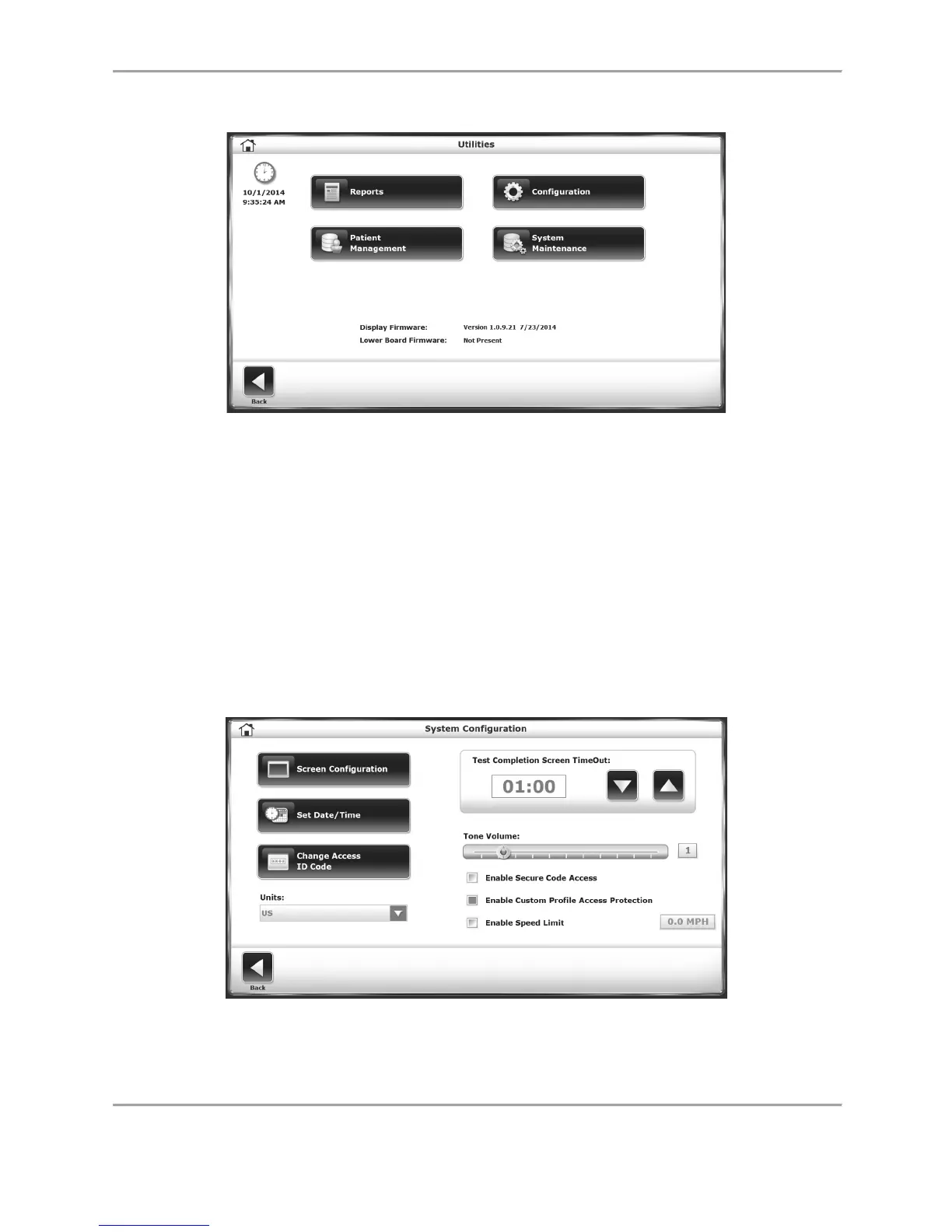
Figure 8.3. Configuration – Utilities Screen
To advance to the Configuration screen from the Utilities Menu, touch <Configuration>. There
will be a submenu featuring two icons; one for System Configuration and one for Gait Trainer
Configuration. For either option, the user must enter 159 at the “Access ID Code” prompt and
touch <OK>.
System Configuration
The System Configuration screen allows the user to choose between various display options
and to set specific parameters for a variety of treadmill functions.
Following is a description of Configuration screen options. Once all parameters and values are
set, touch <Back> to exit and return to the Utilities Menu. Touch <Back> a second time to
return to the Main Menu.
Figure 8.4. System Configuration Screen.



 To Next Page