70 Biodex Medical Systems, Inc. © 2017
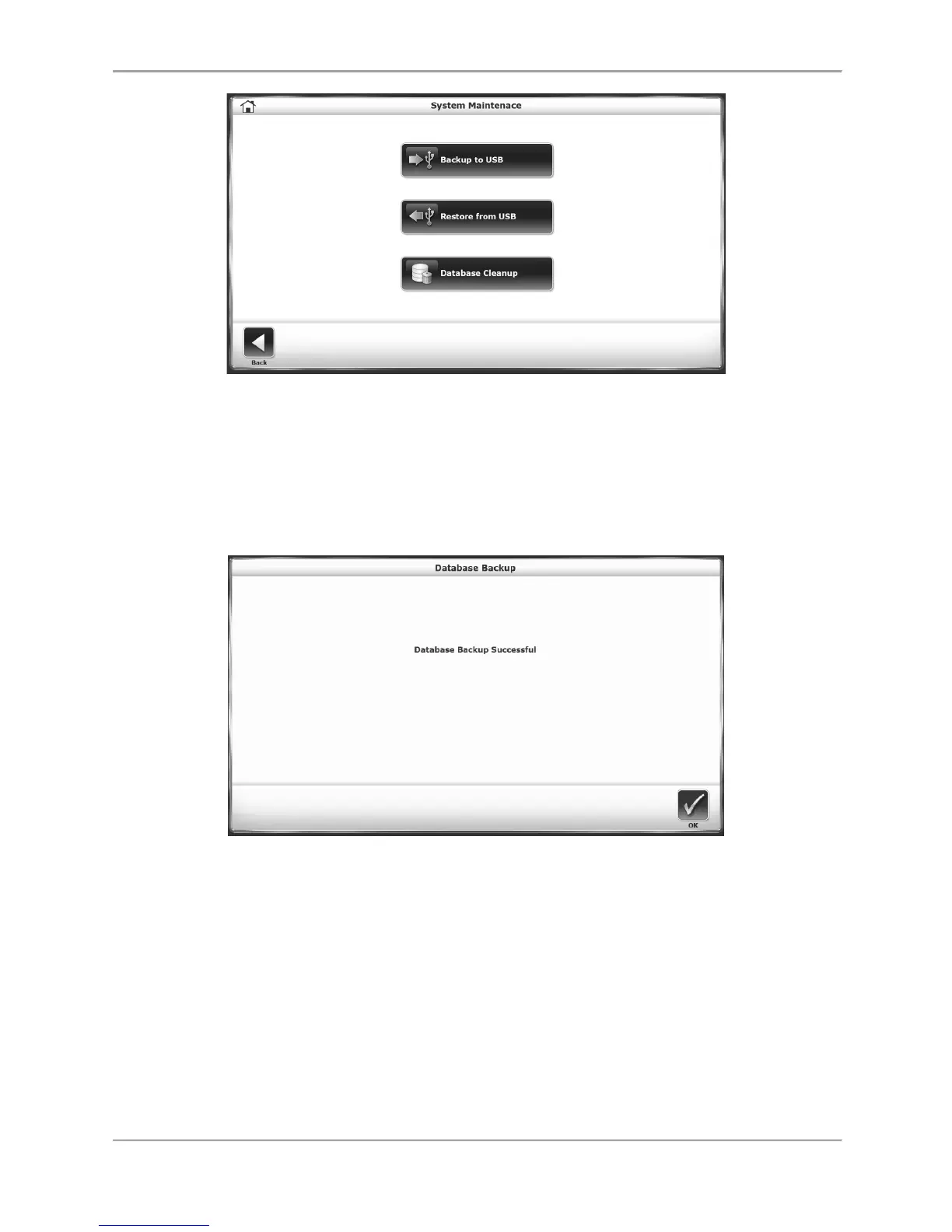
Figure 8.23. System Maintenance Main Screen.
Backup to USB
The Backup to USB function creates a backup database of current patient records on a
removable USB flash drive. After a flash drive is inserted into one of the device’s USB ports,
selecting the <Backup to USB> icon will generate the following screen:
Figure 8.24. Backup to USB Screen.
Restore from USB
The Restore from USB function allows users to restore a previously backed up database to be
the Gait Trainer’s current data set. The restoration will be from a removable flash drive that
was used in the Backup to USB function.
Selecting the <Restore from USB> icon displays the following screen:



 To Next Page