GAIT TRAINER 3 (v3.X SOFTWARE) 19
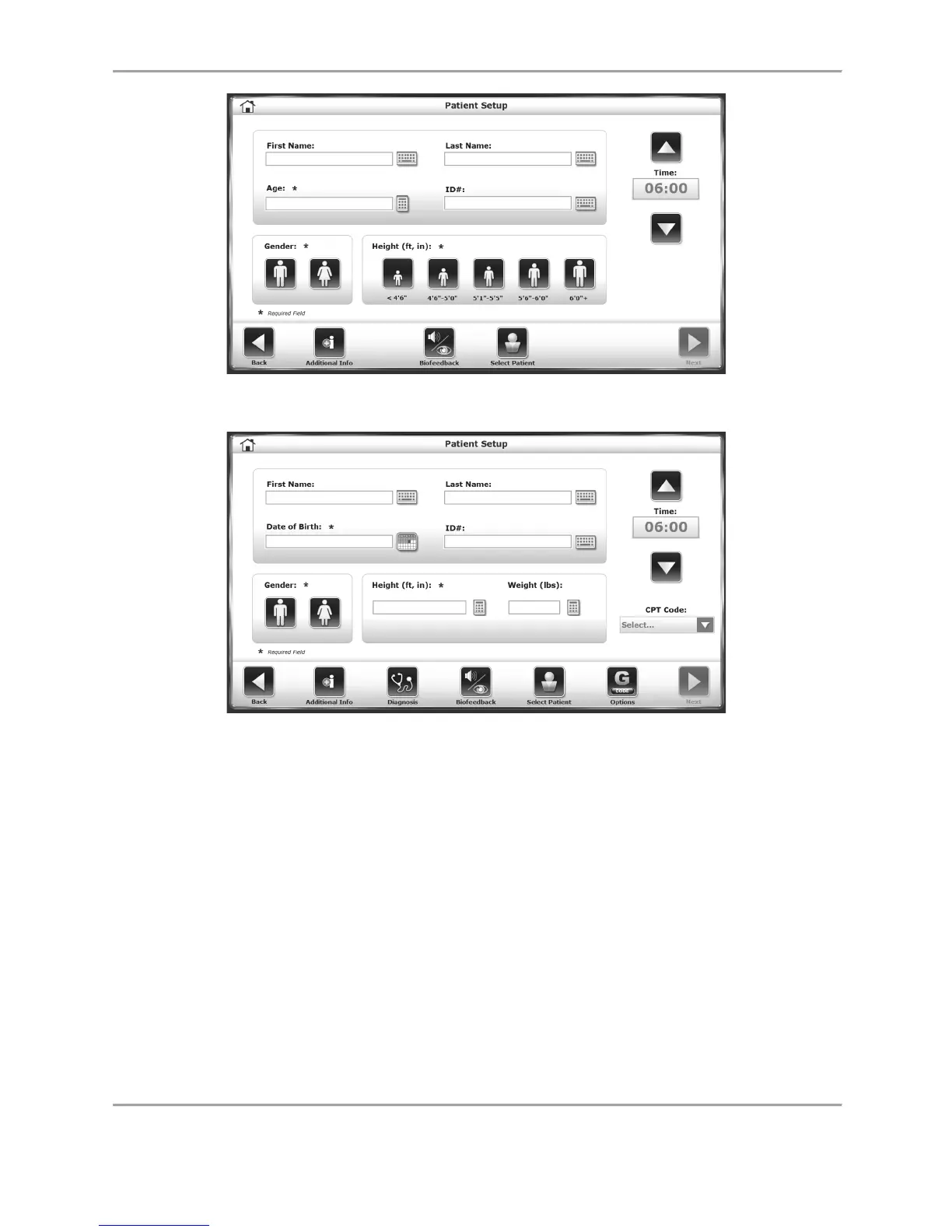
Figure 2.2. The Gait Trainer Patient Setup screen.
Figure 2.3 The Gait Trainer Patient Setup screen. The presence of certain icons
(e.g., the Diagnosis and G-Code icons) are set within system Utilities.
Similarly, the different ways to input height, weight, and age information
can also be configured in system Utilities.
A brief explanation of each parameter and function on the Gait Training Patient Setup screen
follows.
NOTE: For all screens, <Next> advances to the next screen and <Back> returns the user to the
previous screen. The <Home> icon at the top, left corner returns the user to the Gait Trainer
Opening Menu screen.



 To Next Page