GAIT TRAINER 3 (v3.X SOFTWARE) 33
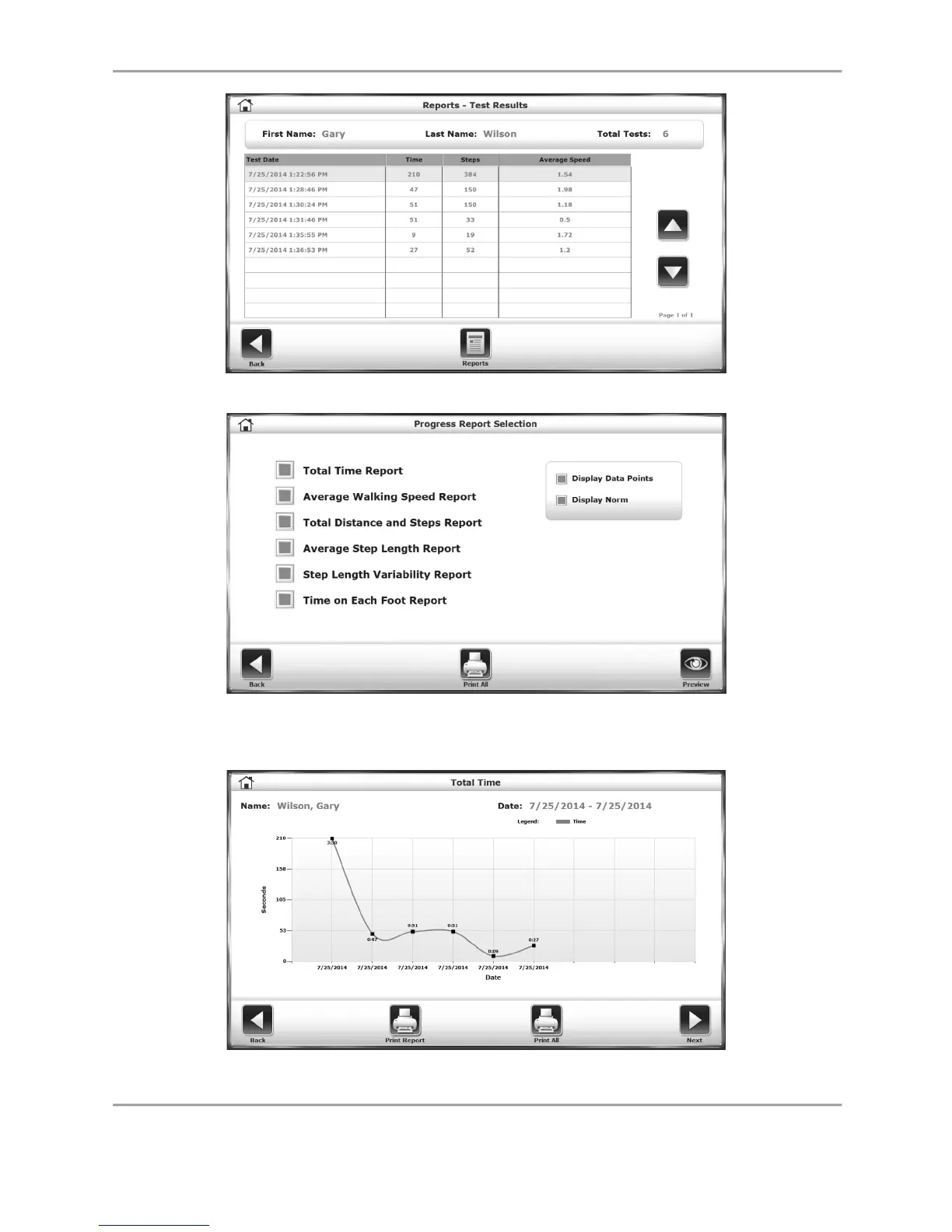
Figure 4.6. Select Progress Report, and Reports on the following screen.
Figure 4.7. Touch the progress parameters that you are interested in viewing and/or
printing. Green boxes indicate selected parameters. Also, choose to have
data points on the report and/or Normative data ranges.
Figure 4.8. Progress report showing total time in seconds for each exercise session.



 To Next Page