40 Biodex Medical Systems, Inc. © 2017
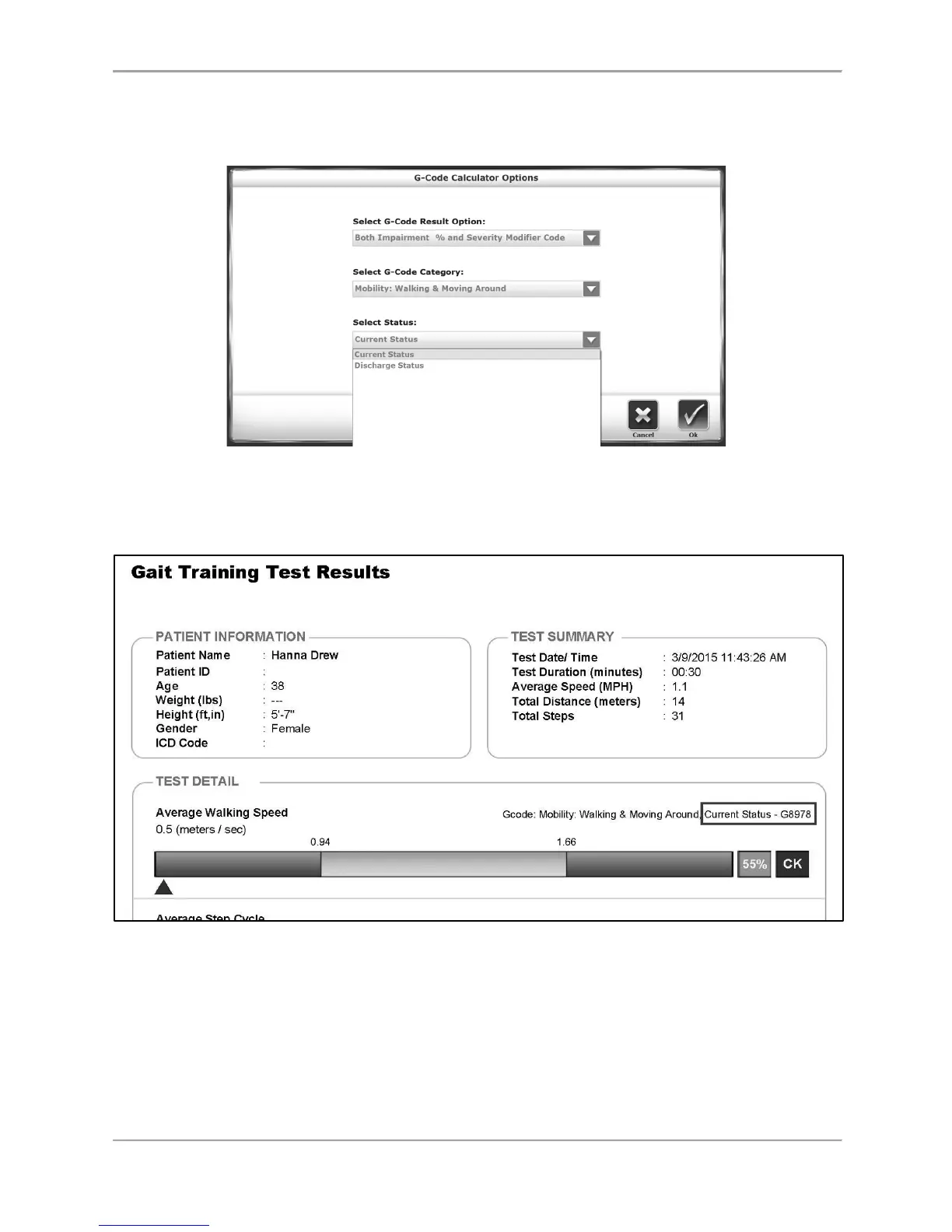
The Status drop-down menu relates to the patient’s treatment timeline. If this is the patient’s
first treatment or one in a series of treatments, the status should be set equal to Current
Status. If it is the last treatment, the Discharge Status should be selected.
Figure 5.7. The third drop-down menu on the G-code Calculator Options screen in
the Gait Trainer interface allows the user to select the status of the
beneficiary.
Figure 5.8. A sample of the Test Results showing the status that has been selected.
Press <Back> to return to the Patient Setup screen. Note that the dot on the G-code icon is
green, as opposed to red.



 To Next Page