GAIT TRAINER 3 (v3.X SOFTWARE) 59
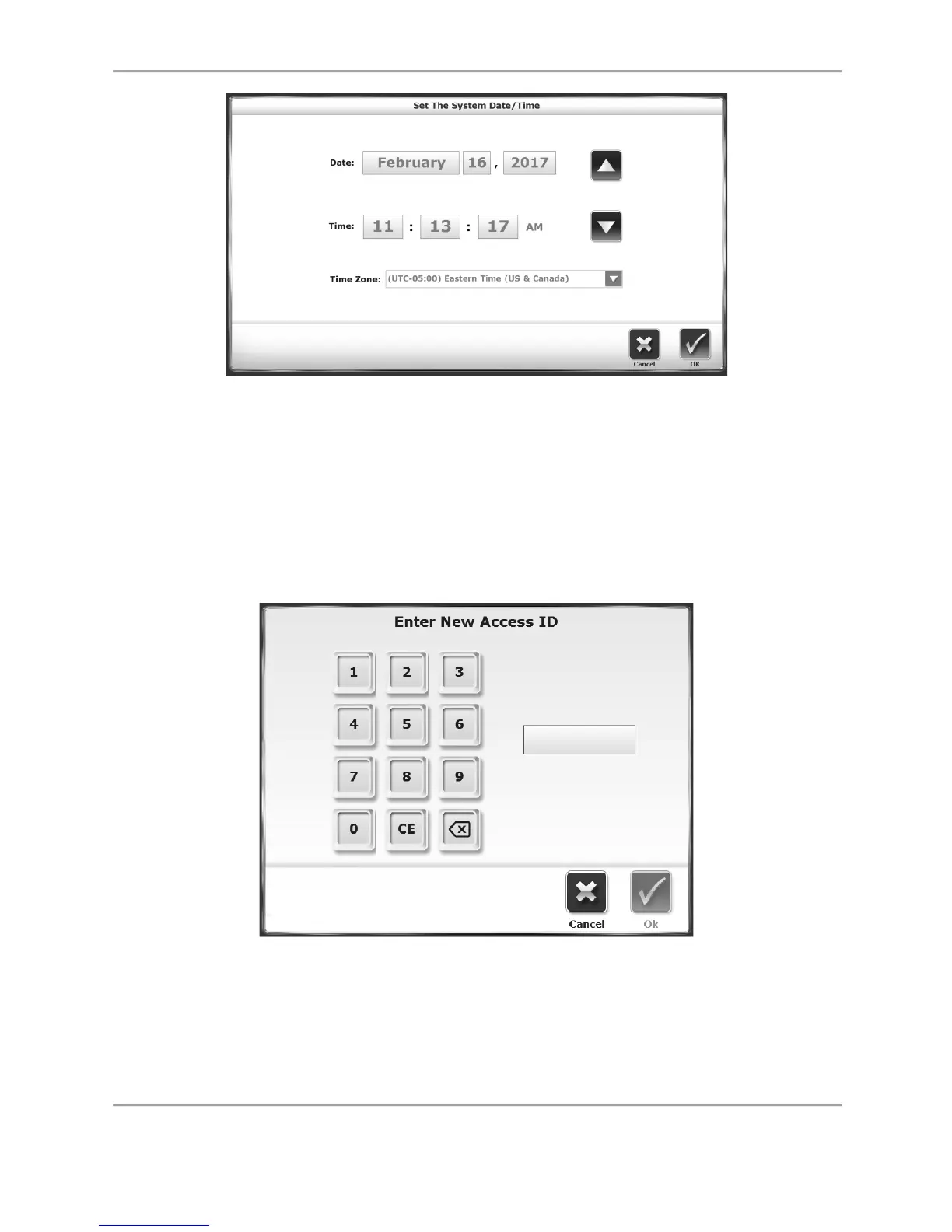
Figure 8.6. Set the System Date/Time Screen
Tone Volume: Touch any section of the horizontal bar to select a new tone volume setting.
Selecting low numbers along the bar will result in lower volume while selecting high numbers
makes the louder. Tone volume settings range from 0 to 10.
Change Access ID Code: Users can change the default Access Code (159) used to access secure
settings in the device software. To change the access ID code, select a new Access ID Code by
pressing this button and entering the value using the <▲> and <▼> arrows or the numeric
buttons on the key pad. Press <OK> to save the New Access ID Code and return to the System
Configuration screen.
Figure 8.7. Enter New Access ID Screen
Units: (see Figure 8.4.) Treadbelt speed can be measured in either US (MPH) or metric (KMH)
units. Touch this menu to toggle between the two.
Enable Secure Code Access: Having this function enabled will require users to input an Access ID
Code before changing certain settings on the device. The default Access ID Code is 159.



 To Next Page