GAIT TRAINER 3 (v3.X SOFTWARE) 75
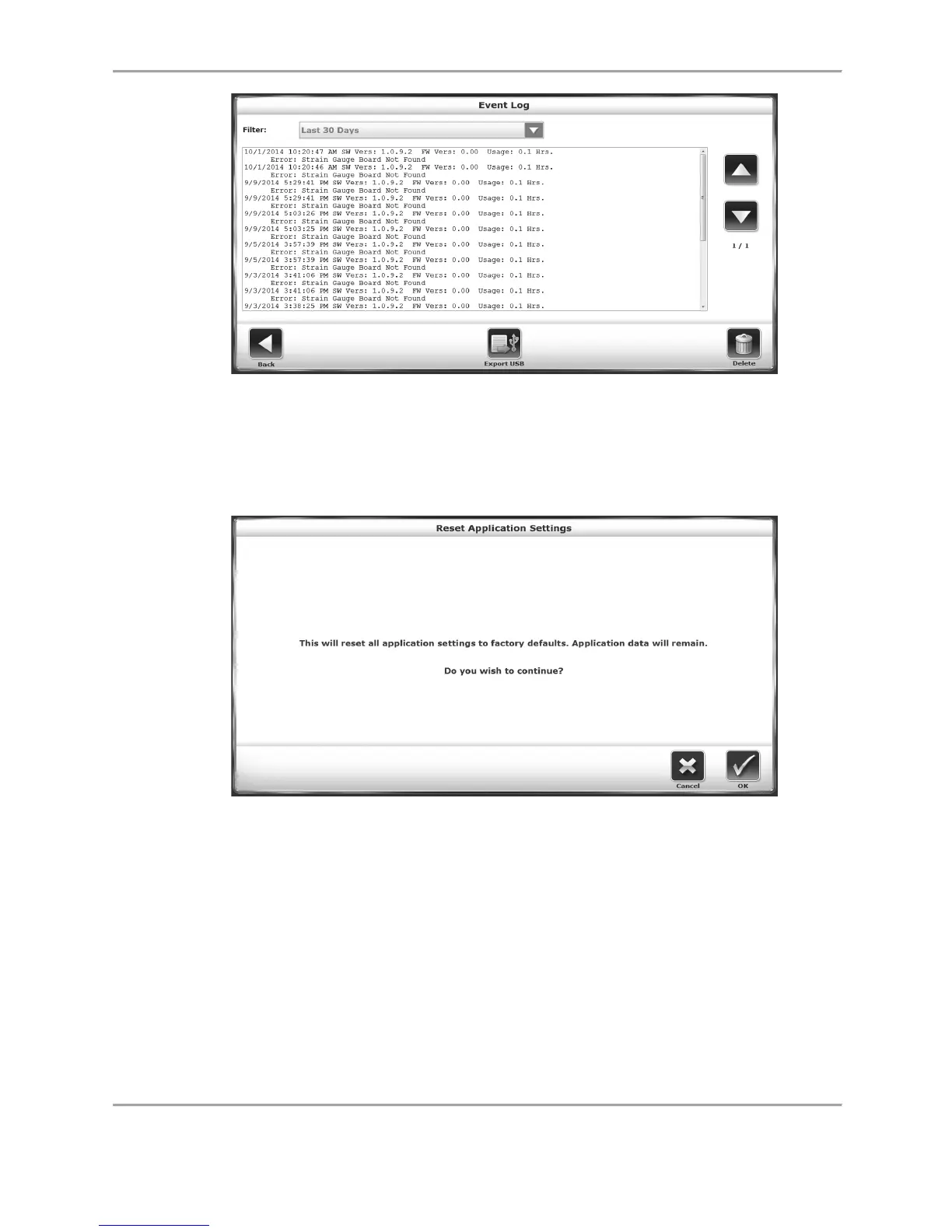
Figure 8.32. Event Log Screen.
Reset Application Settings: Use this function to return all application settings to factory
defaults. Patient data will not be deleted a reset is performed.
Figure 8.33. Reset Application Settings Screen.
Language: Use this function to set a language preference for the system.
Product Type: The product type can be designated as either Gait Trainer or RTM 600. Keep the
Product Type selection set to “Gait Trainer.”
Aux Com Port: The auxiliary port, which allows the device to transmit or receive data, can be set
as COM1 or COM3.
Custom Logo: Use this function to upload an image from a USB flash drive to be used as
branding on the device.



 To Next Page