User’s Guide
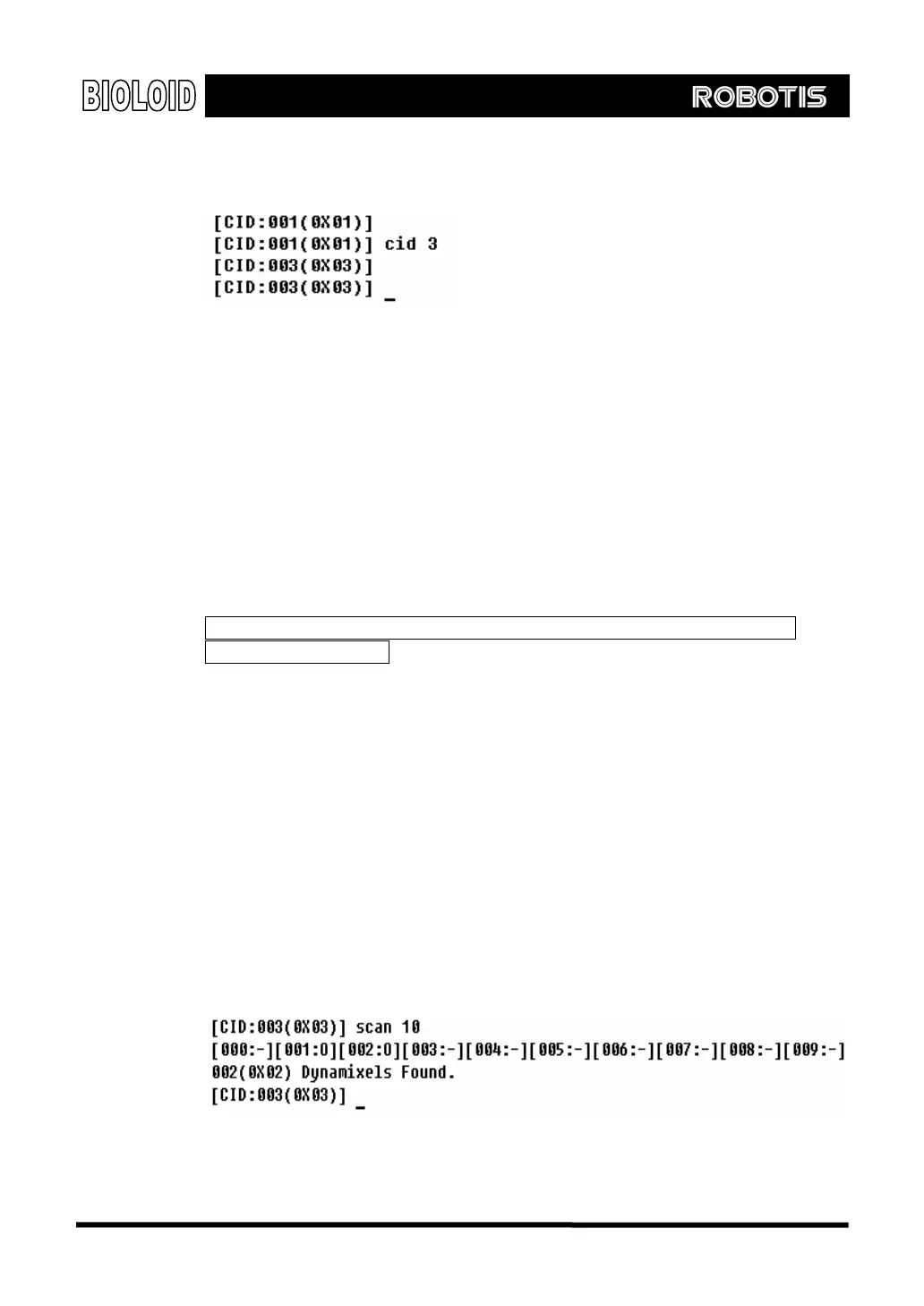
To change the ID of the Dynamixel that the CM-5 controls to number 3, type in the
following commands.
After the command above, only the Dynamixel with an ID of 0x03 will react.
Communication between the CM-5 and Dynamixel will not occur even if you run
the CID command.
ID Use the ID command when you want to change the IDs of all the connected
Dynamixels.
Usage: ID [ID number]
Example) ID 2 Set the connected Dynamixel’s ID to 2.
The ID command will change the IDs of all the connected Dynamixels regardless
of the value of the CID. Therefore, when you use the ID command make sure that
there is only one Dynamixel connected to the CM-5.
When you use the ID command make sure that there is only one Dynamixel
connected to the CM-5
ID 254 Using ID number 254 will send commands to all Dynamixels. A Dynamixel will only
react to a command with its own ID or with ID 254, but it will not send back a
packet for commands sent with ID 254. ID 254 is also called the “Broadcasting
ID.”
SCAN You can find the IDs of the Dynamixels that are connected to the CM-5 by running
the SCAN command. If you type in SCAN N, the program will scan Dynamixel number
0 to N. The SCAN command will only work if the communication speed between the
CM-5 and the Dynamixels is set properly.
Usage: Scan [number of IDs]
110



 To Next Page