User’s Guide
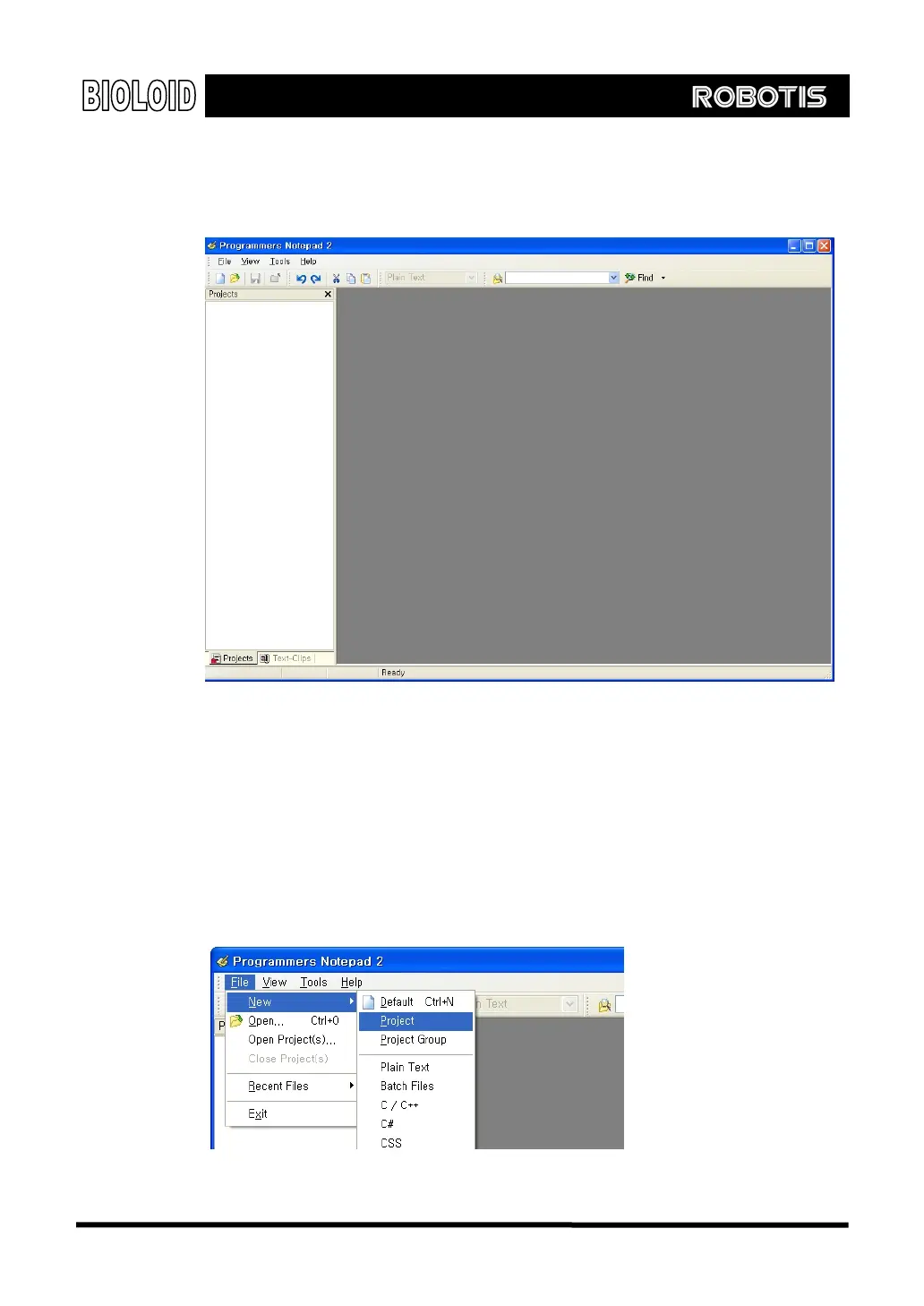
Win AVR The Win-AVR editor runs the GCC compiler by calling the AVR GCC internally. From
the Win-AVR menu, select Programmer’s Notepad [Win AVR]. The following
screen will appear.
Project File When writing a large program, it is helpful to structure the program by dividing the
source file into a number of smaller files by its contents. The Project File is a
higher-level file that contains the list of the entire source files associated with
the program that is being developed and includes all the compile options. Open a
new Project File as shown below and give it any name as you wish. Here, the
project is named “Simple.” Select “Project” from the “New” menu item
under the “File” menu.
121



 To Next Page