User’s Guide
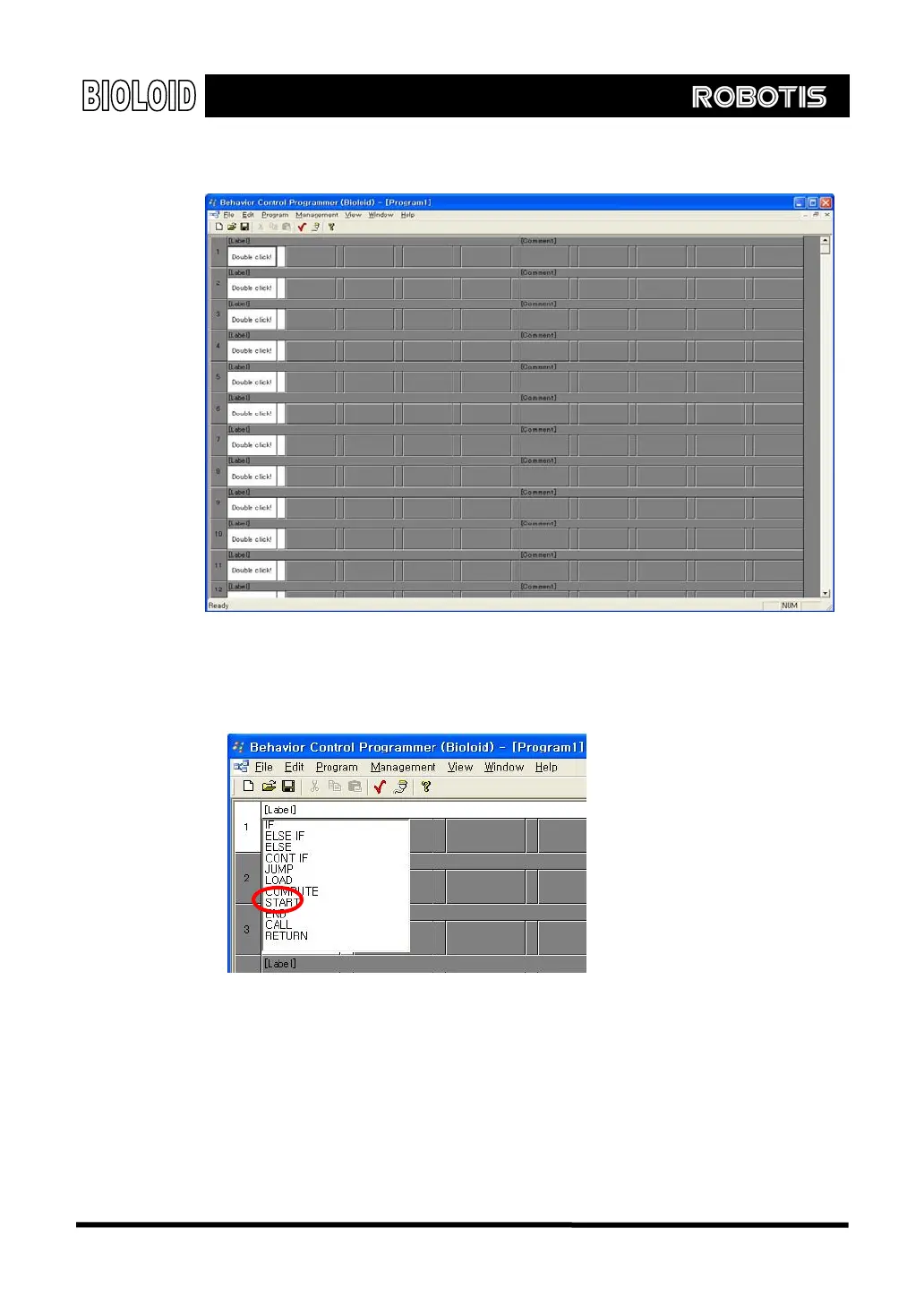
“Start” Left double-clicks the first cell in the Behavior Control Programmer. The following
commands should appear. Select “START.”
The “START” command does not instruct a specific action, but rather it tells
that the program is starting. You can see that the first cell is used for
commands. There are around ten commands that are available for the behavior
control program and we have already learned one of them.
“If” The command that we want to input is “if the ○
U
button is pressed.”
18



 To Next Page