User’s Guide
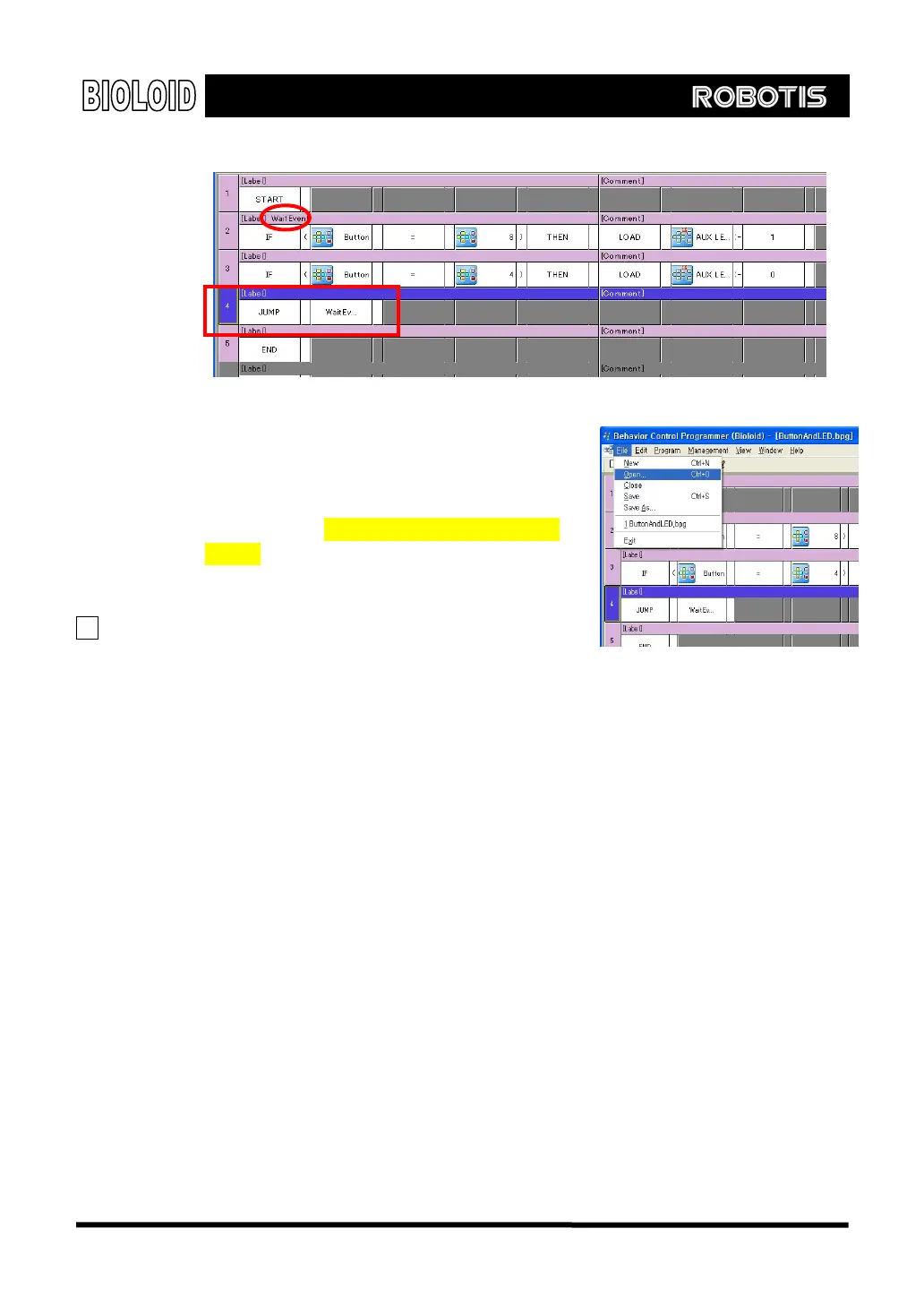
Now download the program again and see
how it executes. If it does not work properly,
go over the program and check if there are
any errors. If it still doesn’t work then open
and download (Examples\Example(Button and
LED.bpg) from the provided CD. This file is the
source file for the example shown above.
TIP We have pressed the play button and
execute the program by entering the play
mode while the PC was connected to the Behavior Control Programmer. When a
PC is not connected, you can execute a program by manually entering the play
mode by pressing the mode change button and then pressing the start button.
26



 To Next Page