User’s Guide
following.
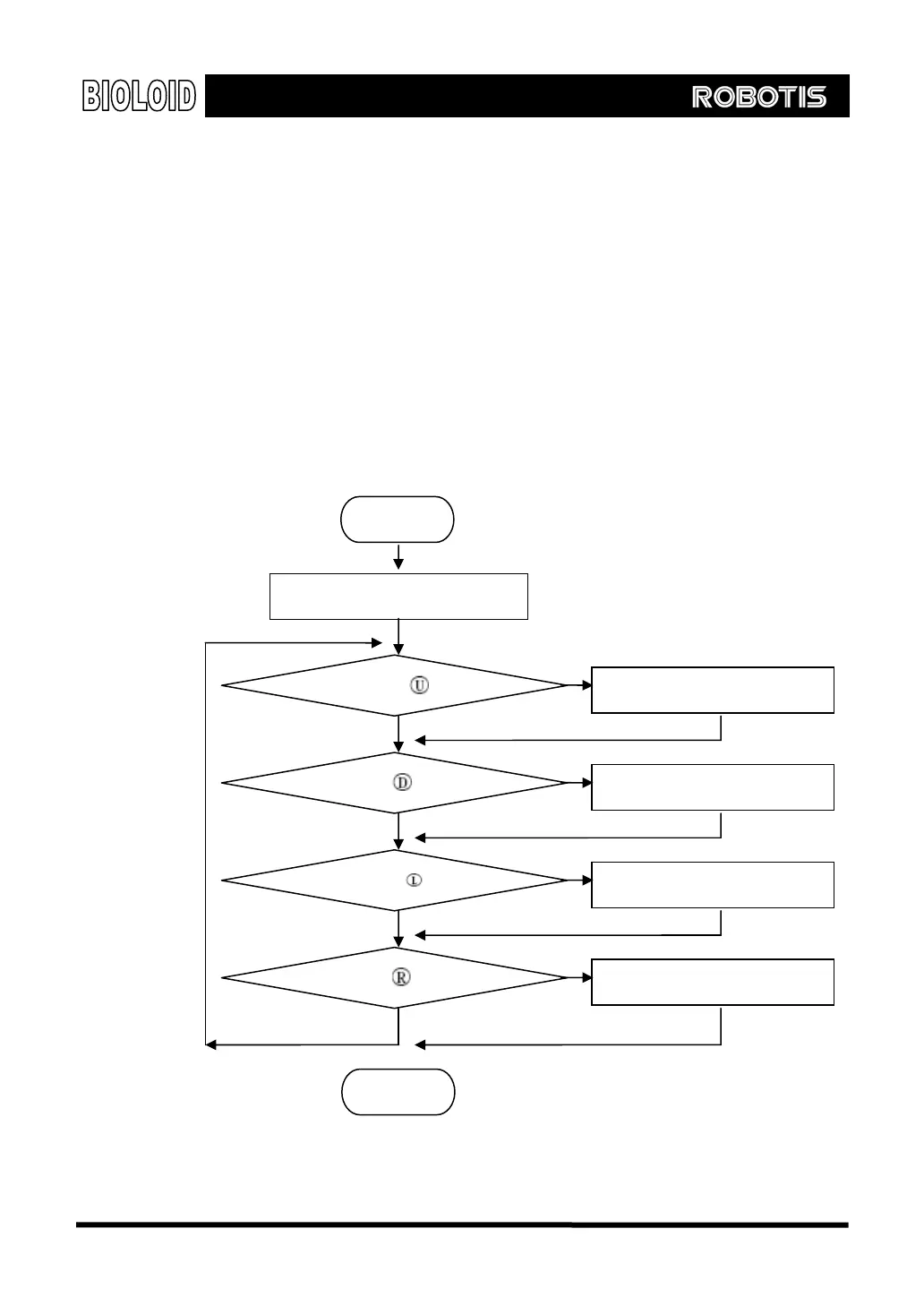
Set the motor torques to one fourths of its max value.
Set the motor speeds to one eighths of its max value.
If the U button is pressed, move the arm up.
If the D button is pressed, move the arm down.
If the L button is pressed, turn the AUX LED off and release the power in the arm.
If the R button is pressed, turn the AUX LED back on and engage power back to
the arm.
This behavior control program can be represented in the form of a flow chart as
shown below.
Start
Torque limit Å 256, Speed Å 128
End
But
on status = button?
Button status = button?
Button status= button?
Button status = button?
Move arm up
Move arm down
AUX LED Å0, Torque limit Å0
AUX LED Å1, Torque limit Å255
Yes
No
Yes
No
Yes
No
Yes
No
39



 To Next Page