User’s Guide
Comments The flow chart shown above is much more complicated than the behavior control
program that we created before. Thus, to prevent mistakes and to make it more
convenient, you can use comments. A comment does not affect execution of the
program but it is rather a memo for the user.
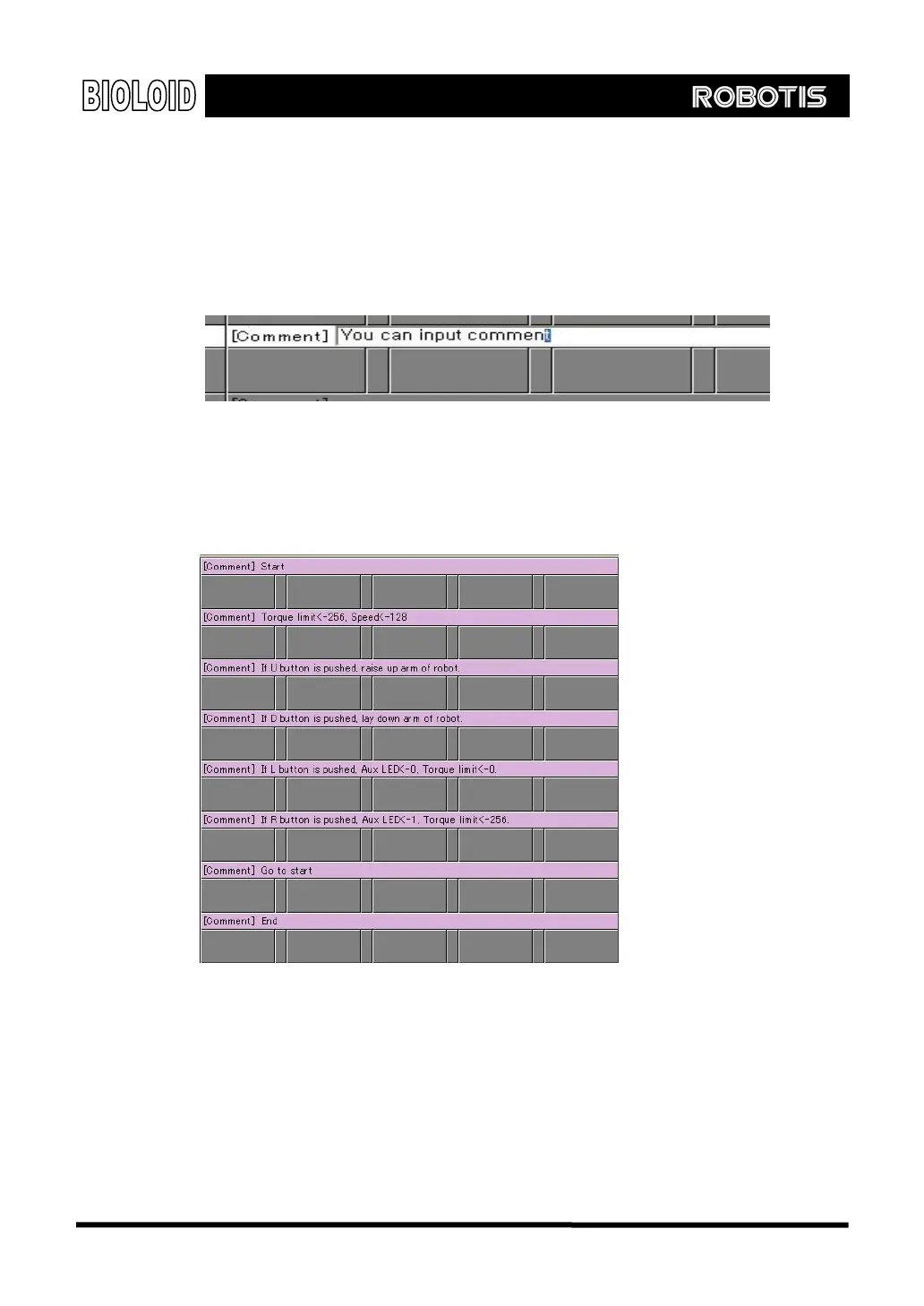
As in the figure below, you can double-click on the cell labeled “Comment” to
type comments in.
Comments written here are only for the user. It will not affect the execution of
the program.
The following figure shows the comments for the flow chart from above.
You can slove the problem step by step if you write in the comments line by line
first as shown above. Let’s now create the behavior control program based on
the comments that we have just typed in.
There is one part of the program that is difficult to accomplish using what we
have learned so far. It is the command that makes the arm move up or down. It
would be easier if we knew the position value of the joints as the arm moves up
or down.
40



 To Next Page