User’s Guide
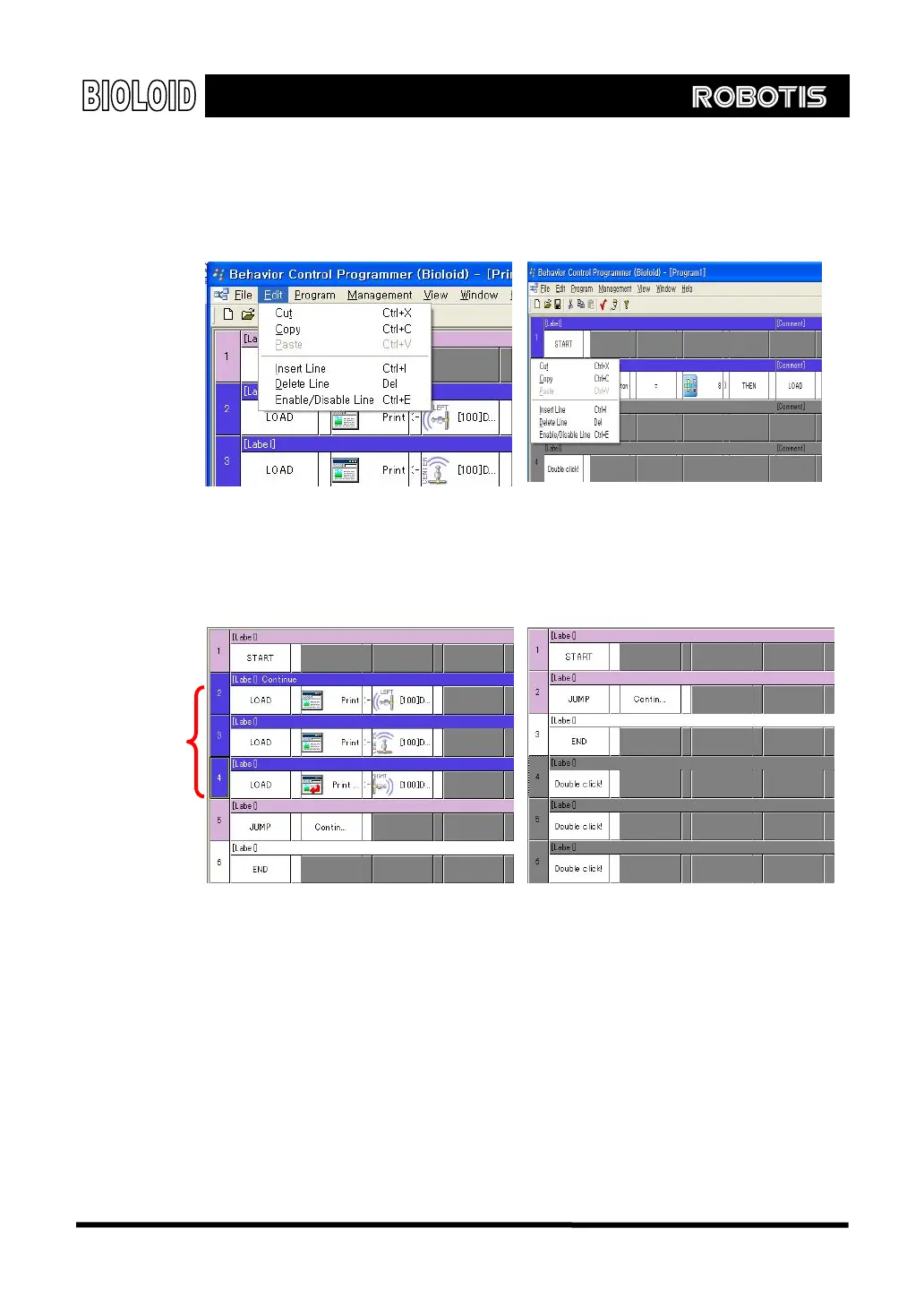
Editing menu After selecting a command sentence, go to the menu and click on EDIT to see the
editing menu items. This can also be done by right clicking on the selected
sentences.
Cut Cutting a selected sentence will save it and then delete it. This sentence can be
used again elsewhere by using the paste function.
Interval that
has been cut
Copy When you copy a sentence, it might look like nothing is happening, but actually
the selected sentences are being saved. To use paste function, it can be saved
elsewhere.
Paste After cutting or copying a sentence you can paste it somewhere else. You can
also copy or cut and paste from one program to another. Thus, you can copy
command sentences from previously created programs and reuse them by
pasting them to the program you are currently working on.
45



 To Next Page