User’s Guide
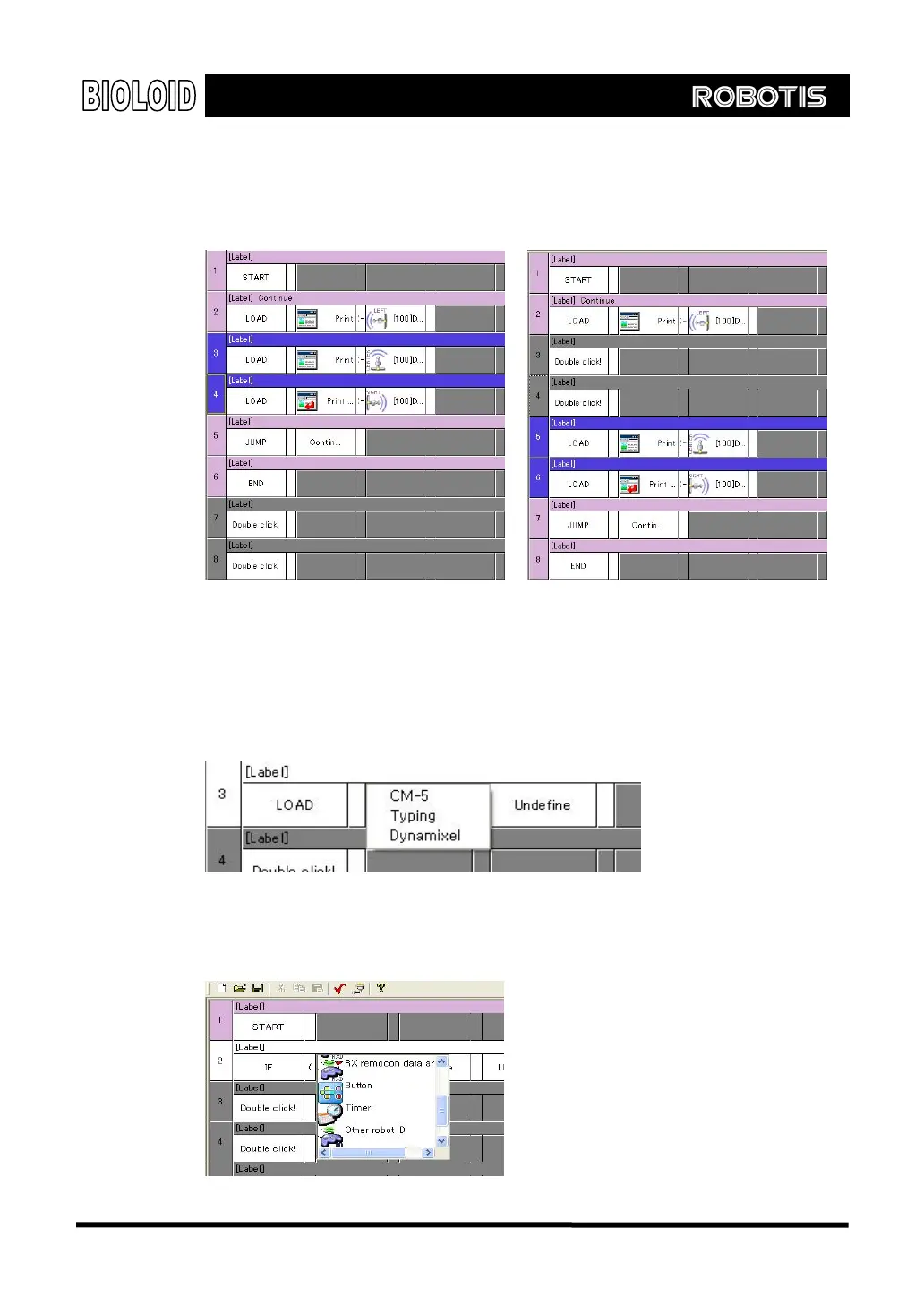
Insert When you want to put in another sentence between two sentences you can use
the insert function. Select the number of sentences that you want to insert and
then press “insert.”
[Insert Instruction in two lines selected state makes two blank line]
Erase Use this function when you want to delete a sentence.
Parameter input
If you double-click a block for the parameters, the following menu will show up.
As in the figure above, you can select between “ CM-5, ” “ Input, ” or
“Dynamixel.” If you select “CM-5” the following menu will show up. Here,
select the desired CM-5 item.
46



 To Next Page