User’s Guide
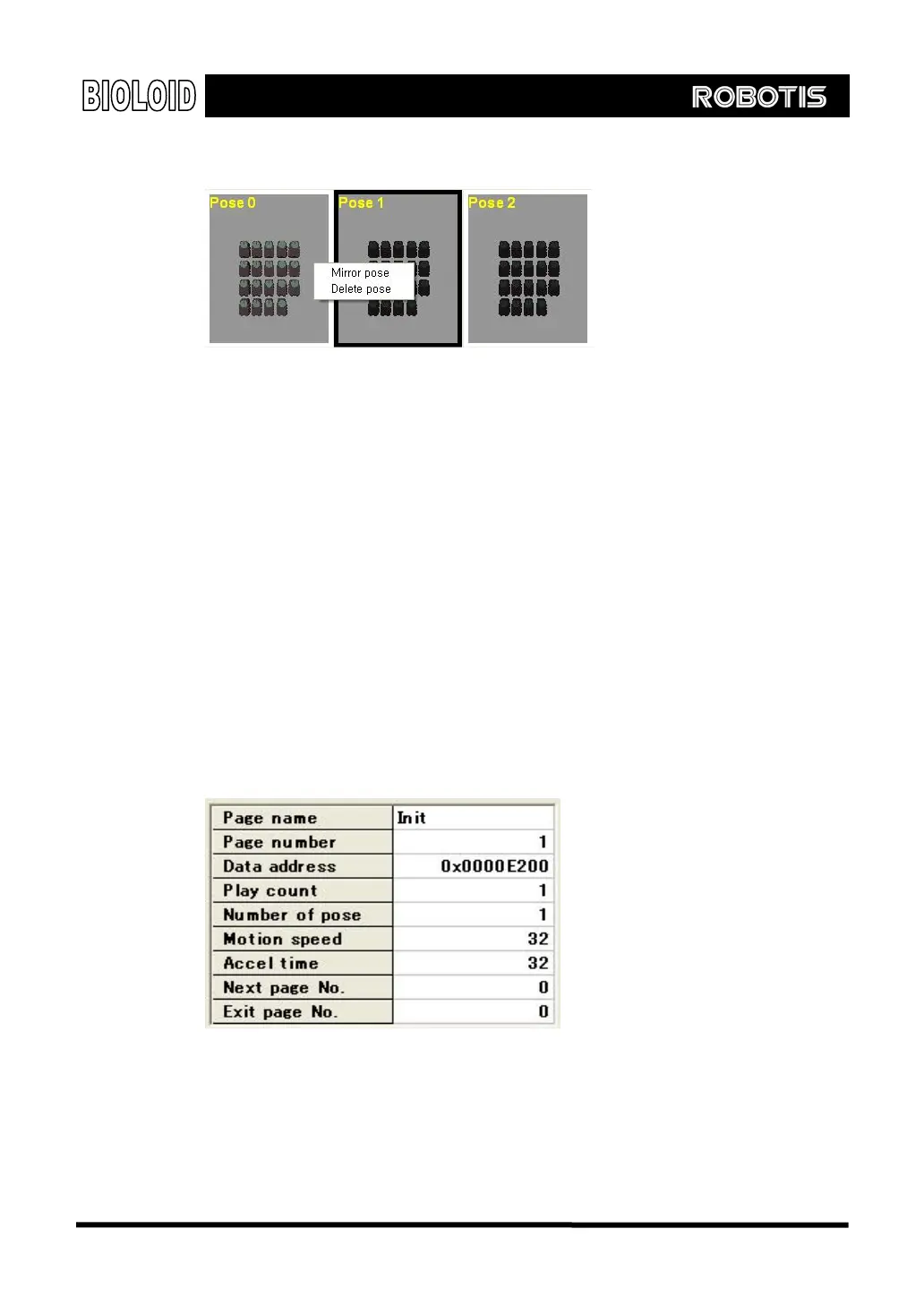
Delete Right click the pose to be removed and select delete.
The following is a summary of the above.
The key to motion editing is posing editing and saving.
A pose is created using the ON, OFF button and actually moving the robot joint by
hand. Also, you have to set the pose speed and stop time.
You can move to change order or insert a pose by dragging a pose with your
mouse.
The motion can be verified by playing it by pressing the Play button.
Save Page During editing, the motion data is stored inside the CM-5’s RAM. When you are
finished creating the motion, use the save command to save the motion page to
the flash memory.
Page information
You can find the page information on the upper right corner of the screen. To
edit the page information double-clicks the area you want to edit and type in the
value.
Page Name You can give a name to each page. The page name is empty as default. If you give
a name for each page it will be convenient for later use.
Page Number This is the unique number (1~127) of each page. If you change the number, it is
possible to move to applicable page.
81



 To Next Page