User’s Guide
information is not shown here. The next column (which we call POSE 7) shows the
values of the current angle positions of the Dynamixel units. By the numbers in
POSE7 you can see that only one Dynamixel of an ID 1 is connected.
The figure above shows the screen for editing a single motion page. A motion
page is made of 7 poses and 64 bytes of page information. The size of one page
is 512 bytes.
Pose The pose is an instance of a motion. For
example, in the figure below, you will
need many poses to make the robot
move one side step. A motion connects
these poses smoothly.
Command The following commands are available.
Commands related to creating poses: ON, OFF, WRITE, SET, STEP, PLAY, GO, INSERT,
MOVE, NAME, SAVE
Commands related to editing pages: PAGE, BEFORE, NEXT, COPY, NEW
A multi-jointed robot motion can be edited using these commands. Let’s take a
look at each one.
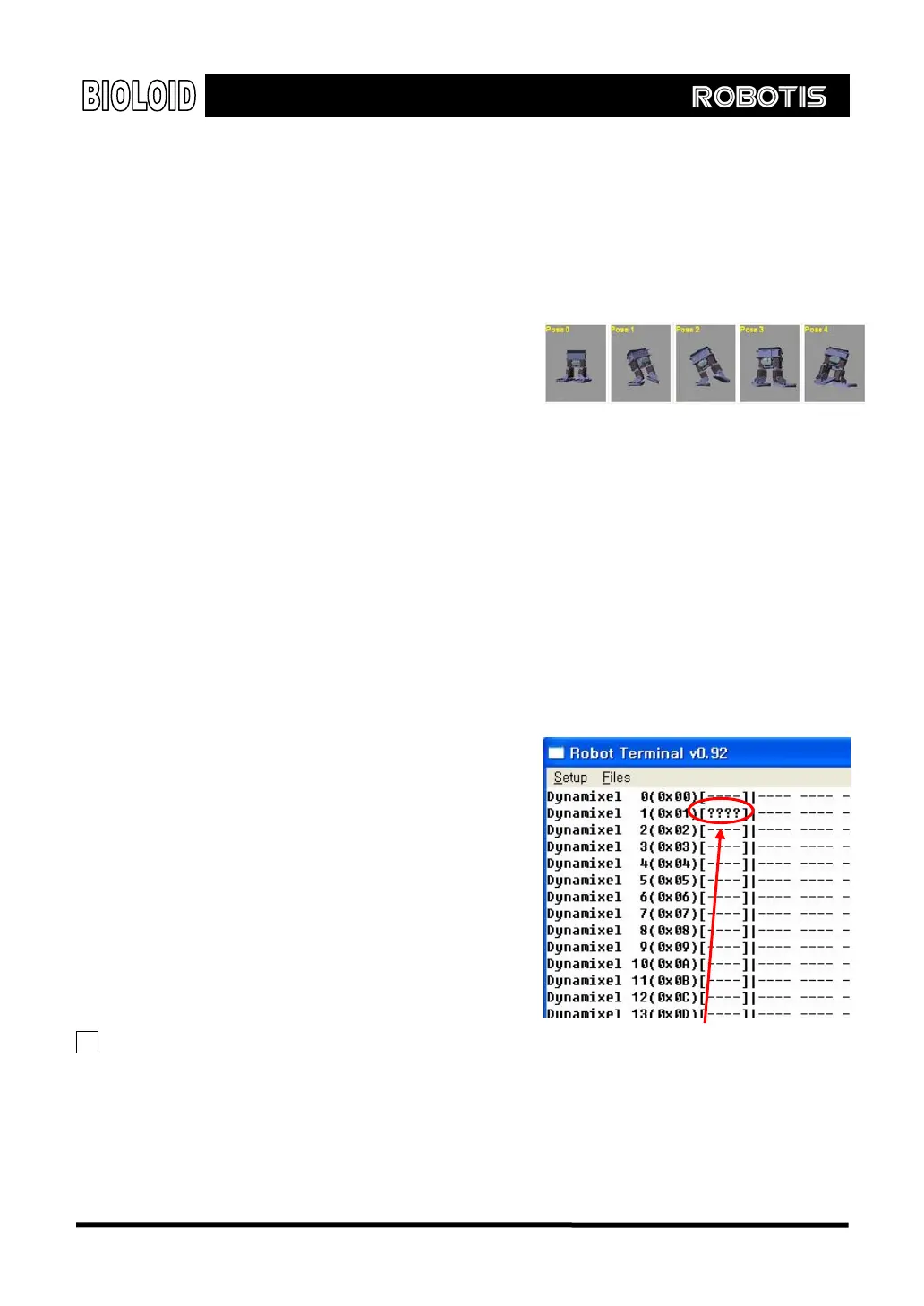
Off This will turn off the torque of the joint.
If you input OFF, the joint angle value
for POSE7 will disappear (see figure on
the right). You can now move this joint
by hand.
On After moving the joint to the desired
position, type the ON command to see
the joint angle value at POSE7. The
torque will be back on, locking its joint
position.
Torque Off state with OFF instruction
TIP You can list several Dynamixel IDs after
an OFF, ON command to turn them on or
off all at once.
86



 To Next Page