BP-007 User’s Manual
- 43 -
FF Print and change page
Format: ASCII: FF
Decimal: 12
Hex: 0C
[Description]
Prints one line data in the line editing buffer and feeds to the top of next page based on the current page
length.
ESC SP Set right-side character spacing
Format: ASCII: ESC SP n
Decimal: 27 32 n
Hex: 1B 20 n
[Description]
Sets the right-side character spacing to n times of half dot spacing (1/144 Inch).
n=0~32; Default n=0.
ESC ! Set character printing mode
Format: ASCII:
ESC ! n
Decimal: 27 33 n
Hex: 1B 21 n
[Description]
“ESC ! n” is synthetic setting command for character printing mode, and is used for selecting size
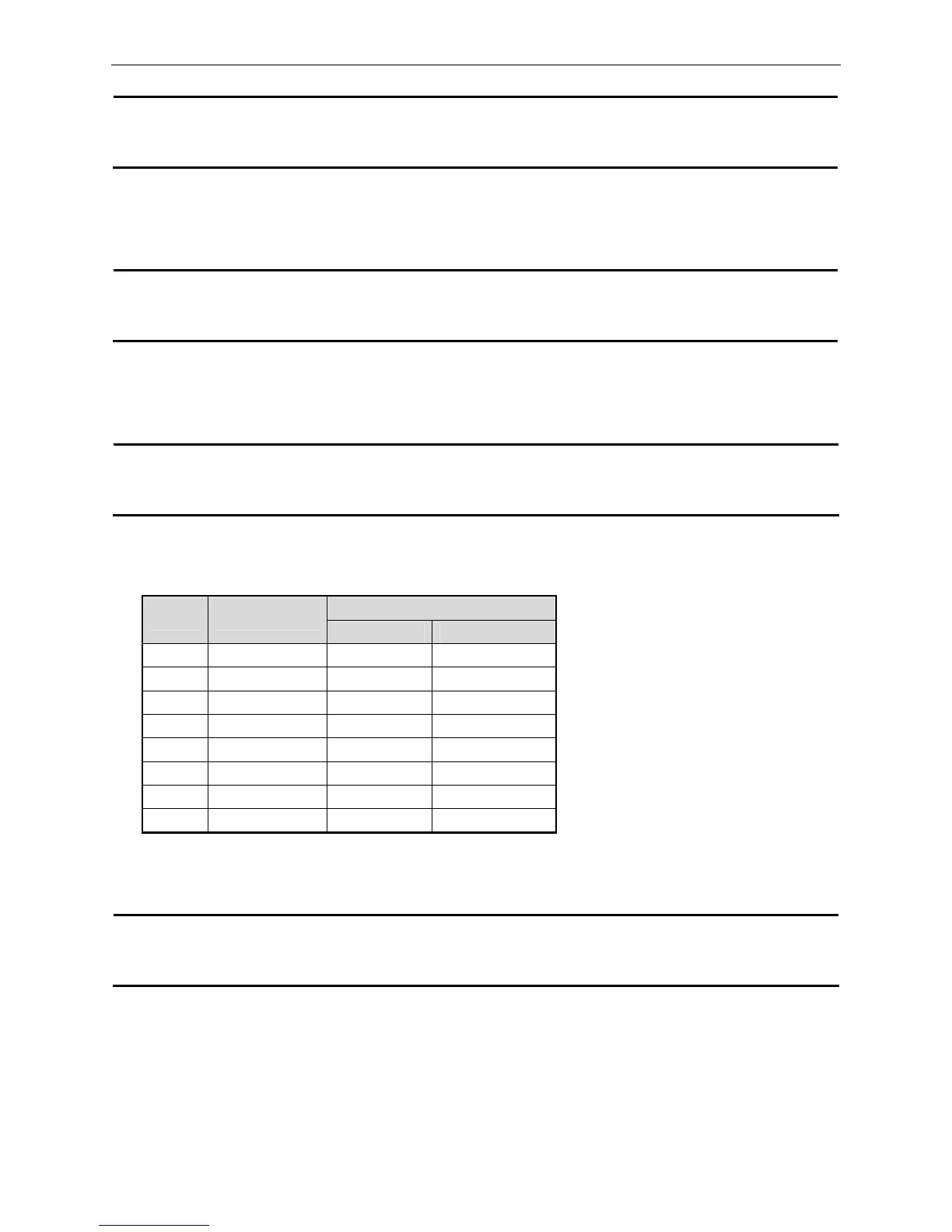
and underline of printed character. The bit definition of print parameter “n” is shown as follows:
Default n=1. That means: 7×7 dot array, normal character size and no underline.
ESC % Select/cancel user-defined character set
Format: ASCII: ESC % n
Decimal: 27 37 n
Hex: 1B 25 n
[Description]
Parameter n is one byte, and only the lowest bit is valid.
When n=<*******1>B, the user-defined character set is selected.
When n=<*******0>B, the inner character set is selected.
When 0≤n≤255, default n=0.
Value
Bit Function
0 1
0 Character font 5×7 7×7
1 undefined
2 undefined
3 undefined
4 Double-height Canceled Selected
5 Double-width Canceled Selected
6 undefined
7 Underline Turned off Turned on



 To Next Page