BP-007 User’s Manual
- 44 -
ESC & Define user-defined characters
Format: ASCII: ESC & s n m a d1 d2……db
Decimal: 27 38 s n m a d1 d2……db
Hex: 1B 26 s n m a d1 d2……db
[Description]
This command is used for self-defining characters. The meaning of each parameter is shown as follows:
S:
The number of longitudinal byte. Here S=1, 2. When n=1, define 7×7 character.
When n=2, define 7×9 or half-size character.
N: Starting ASCII code of user-defined character set. n≥32.
M:
Ending ASCII code of user-defined character set. m≤127. The number of user-defined
characters is m-n+1, and the maximum number is 96. When user defines only 1
character, m=n.
A: The byte number of user-defined characters.
d1 d2…db:
The data of user-defined characters. Every character has s×a bytes. m-n+1 bytes
altogether have (s×a) × (m-n+1) bytes.
The user-defined characters after being defined will be valid all the time until they are
defined again or the printer is turned off.
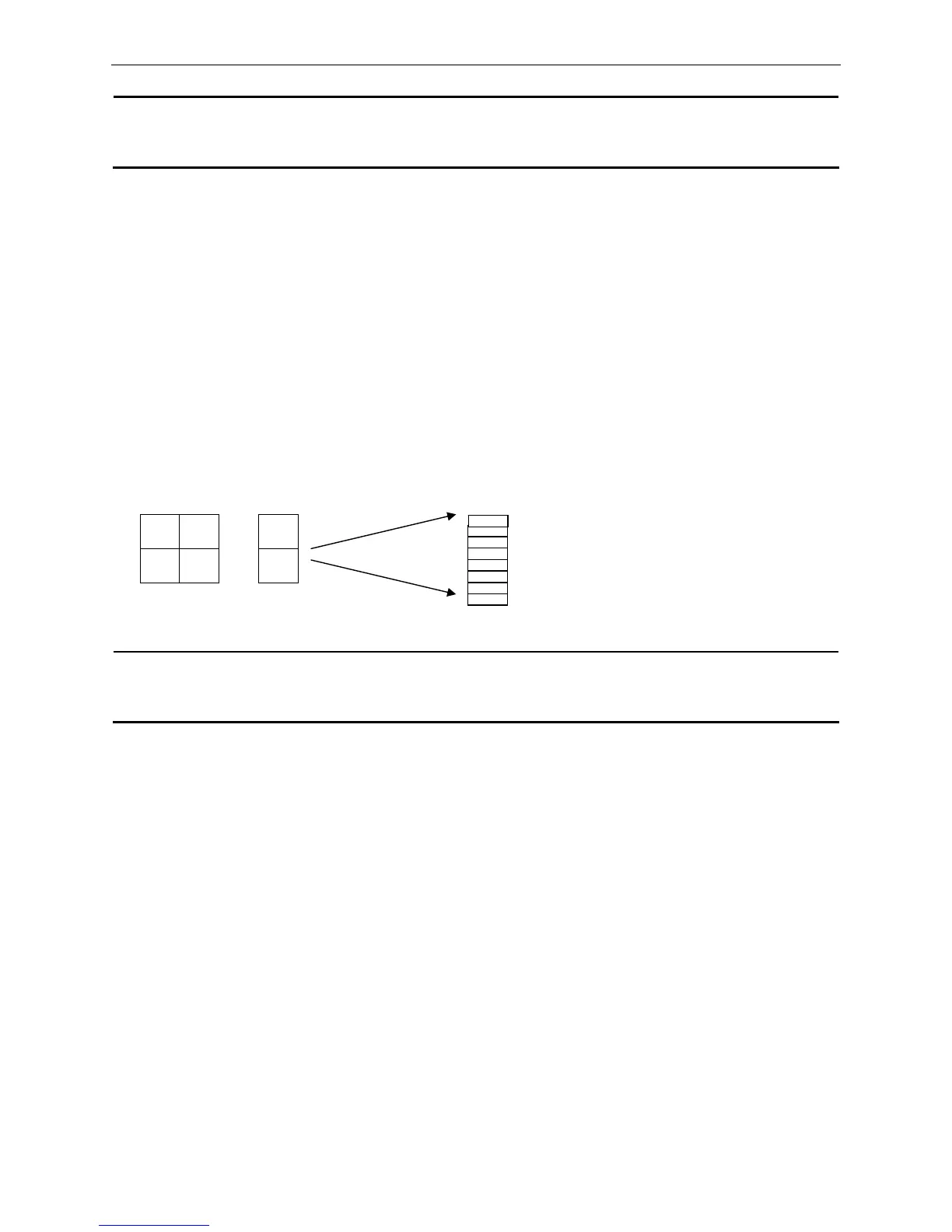
The format of user-defined characters is shown as follows:
d1 d4 …
d2 d3 …
ESC * Select bit-image mode
Format: ASCII:
ESC * m n1 n2 [d]n1+256×n2
Decimal:
27 42 m n1 n2 [d]n1+256×n2
Hex:
1B 2A m n1 n2 [d]n1+256×n2
[Description]
This command is used for setting dot matrix figure mode (m) and setting the transverse dots number (n1,
n2) of dot matrix figure.
m=0, 1
0≤n1≤255, 0≤n2≤3, 0≤d≤255.
n1, n2 is hexadecimal figure with two bits. n1 is low byte and n2 is high byte. n1, n2 is used for denoting the
transverse dots number of figure printed by “ESC *” command. This value should be within the number of
maximum line-width dots.
When m=0, normal printing is selected, the maximum number of printing dots is 210.
When m=1, half-dot printing is selected, the maximum number of printing dots is 420. On this condition the
adjacent dots cannot be “1” at the same time.
The definition of [d] is:
b7



 To Next Page