BP-007 User’s Manual
- 45 -
ESC - Turn underline mode on/off
Format: ASCII: ESC - n
Decimal: 27 45 n
Hex: 1B 2D n
[Description]
n=0, turns off underline mode; n=1, turns on underline mode.
ESC 2 Set 1/6 inch line spacing
Format: ASCII: ESC 2
Decimal: 27 50
Hex: 1B 32
[Description]
Set the line spacing to 1/6 inch.
ESC 3 Set n/144 inch line spacing
Format: ASCII: ESC 3 n
Decimal: 27 51 n
Hex: 1B 33 n
[Description]
Set the line spacing to n/144 inch.
n=0~255.
Default: n=24.
ESC < Print head Returns to standby position
Format: ASCII: ESC <
Decimal: 27 60
Hex: 1B 3C
[Description]
This command makes the print head move to the standby position.
ESC ? n Cancel user-defined characters
Format: ASCII:
ESC ? n
Decimal: 27 63 n
Hex: 1B 3F n
[Description]
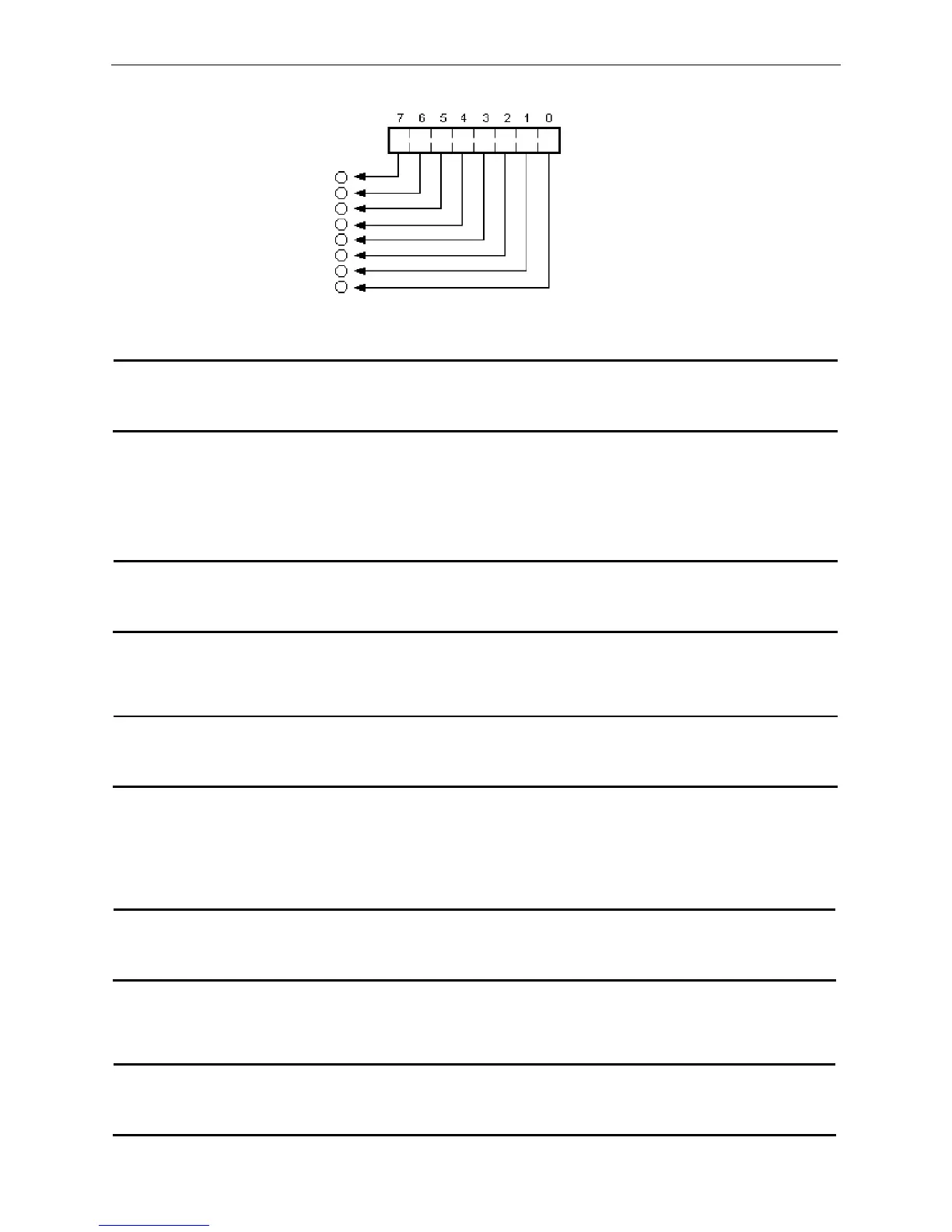
Bit image data
The first pin
The eighth pin
Print data



 To Next Page