P/N : 770-ENG-OPM-EUR-D03
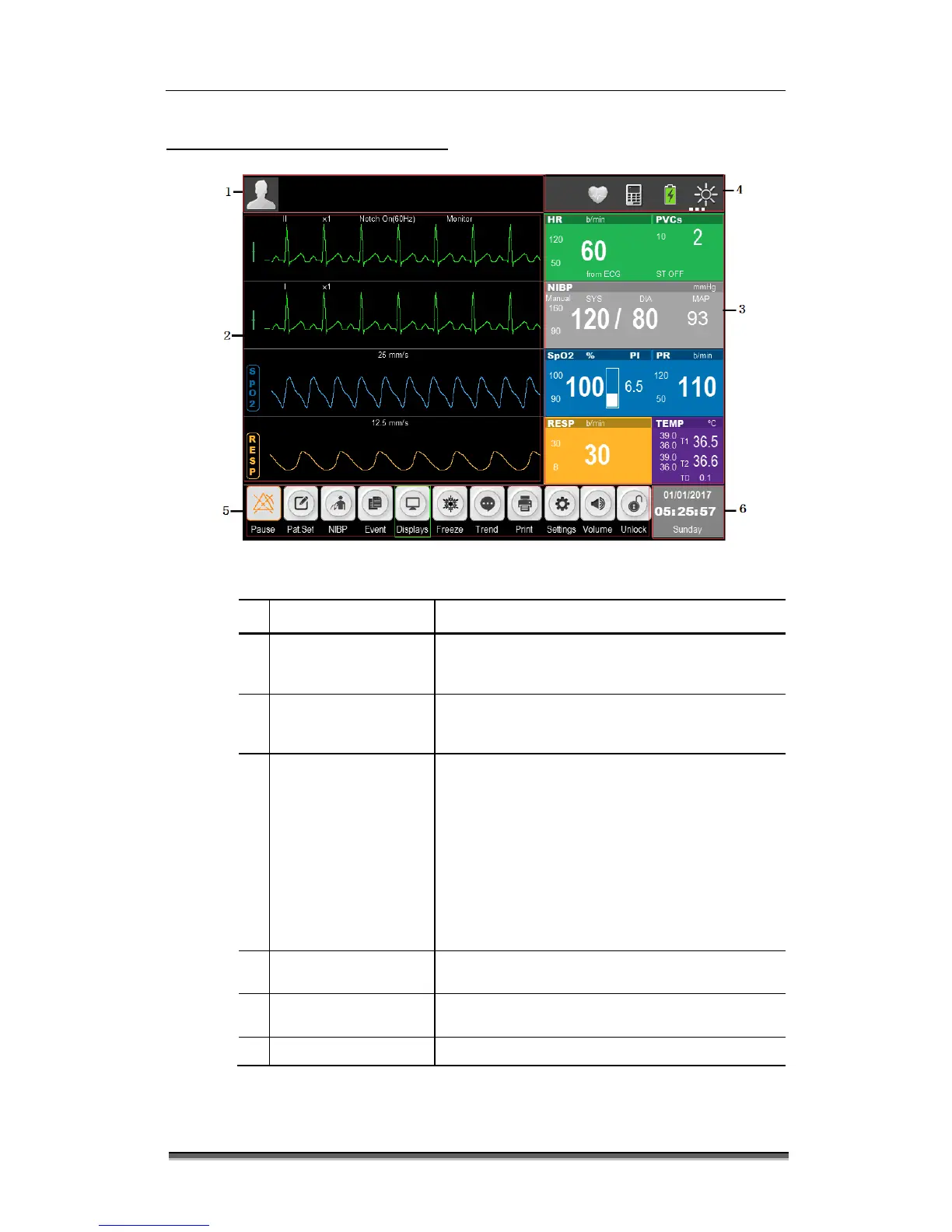
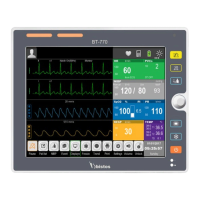
1.6 Understanding the display
Figure 1-7: Standard display
Name Description
1
Information area
Include patient information, alarm status icon,
physiological and technical alarms. In DEOM
mode, it displays “DEMO”.
Mainly display the waves of physiological
parameters with name of the parameter on the
Show the corresponding parameter measured
value and current upper and lower alarm limits of
each parameter module. The parameters are
shown in fixed position, that is, from top to
bottom and from left to right:
- ECG
- NIBP
- SpO
2
and PR
- TEMP
Display the network status, battery status,
automatic identification screen brightness icon.
5
Hot key icons
Shows the hotkeys, which are frequently used for
some common operations.
6
Date and Time area Display the current date and time.


 To Next Page