8.5 Respiration setup
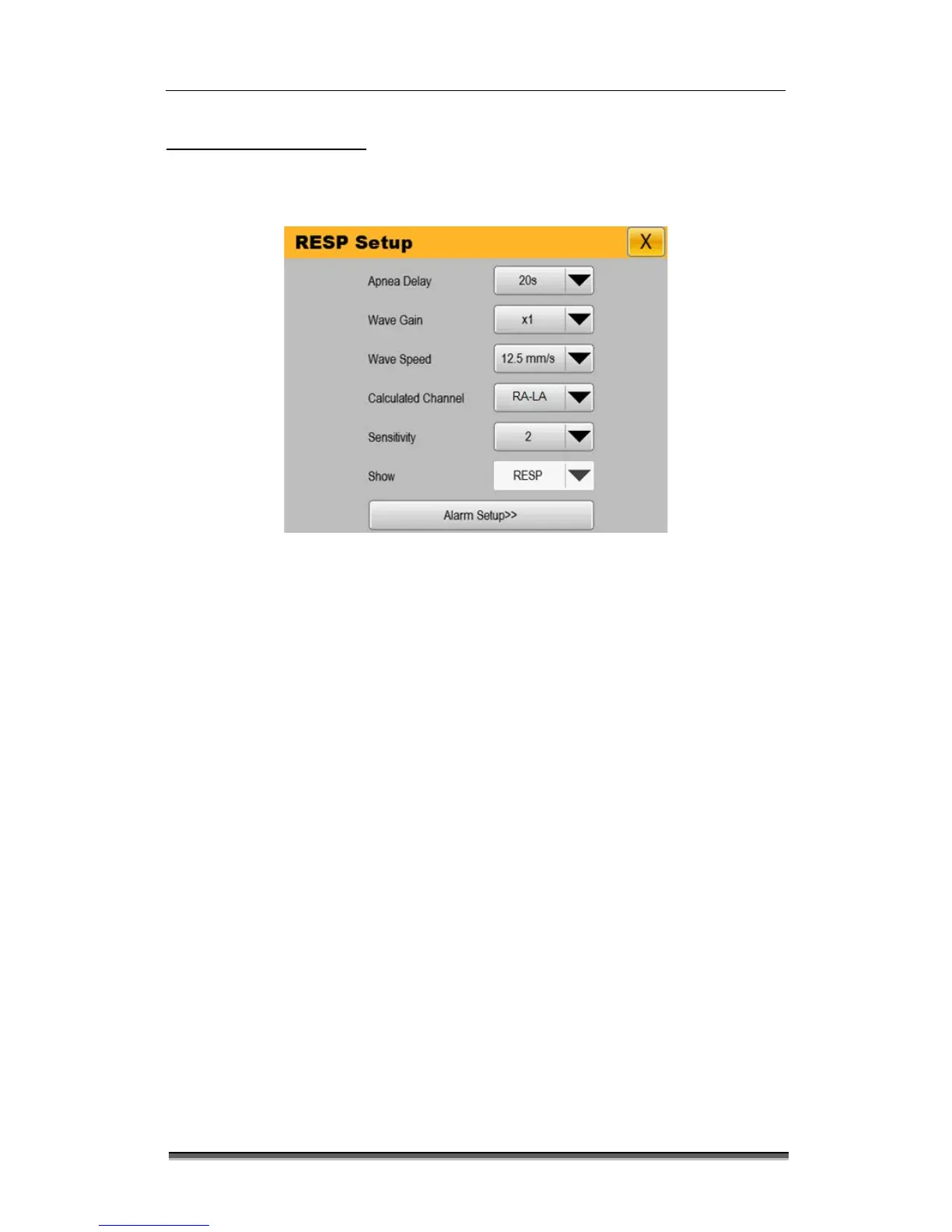
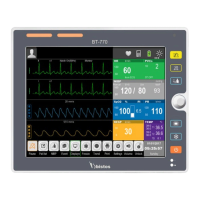
Select the RESP parameter zone or respiration wave area → “RESP Setup” menu, which is
shown below. You can set respiration through “RESP Setup” menu.
Figure 8-4: “RESP Setup” menu
8.5.1 Setting apnea time
Apnea alarm is a high level alarm for monitoring the apnea. In “RESP Setup” menu, set “Apnea
Delay” to an appropriate value and set the apnea alarm time. When the apnea time of the
patient is longer than the set time, the monitor will trigger an alarm. Set time can be set“20s” /
“25s” / “30s” / “35s” / “40s” /“45s” /“50s” /“55s” /“60s”, default apnea alarm time is 20s.
8.5.2 Adjusting wave gain
In “RESP Setup” menu, select “Wave Gain”, and set the wave gain: the greater gain, the higher
wave amplitude. Gain can be set “x0.5” / “x1” / “x2”,the default is “x1”.
8.5.3 Setting sweep speed
In “RESP Setup” menu, select “Wave speed”, and set the sweep speed: the faster sweep speed,
the smoother wave. The wave speed is “6.25mm/s” / “12.5mm/s” / “25mm/s”. The default is
“12.5mm/s”.


 To Next Page