During the operation, do not disconnect any cable.
Connect to power adapter in the following steps:
- Make sure that the AC power supply meets the following specifications: a.c.100V-
240V, 50/60Hz.
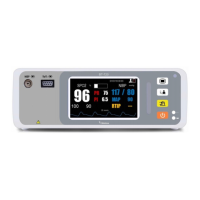
- Use the power adapter provided with the monitor. Plug the power adapter into the
power connector of the monitor, and plug the other end of the power adapter into
the mains (low voltage power supply network facilities) power outlet with protective
earth.


 To Next Page