9 PR
9.1 Overview
The mechanical activity of the heart causes arterial pulsation, and PR (pulse rate) value can be
obtained by measuring this pulsation. PR value can be obtained through SpO
2
measurement.
The average calculation of the heart rate is the direct average method. The refresh rate is
every 1 second.
9.2 Display
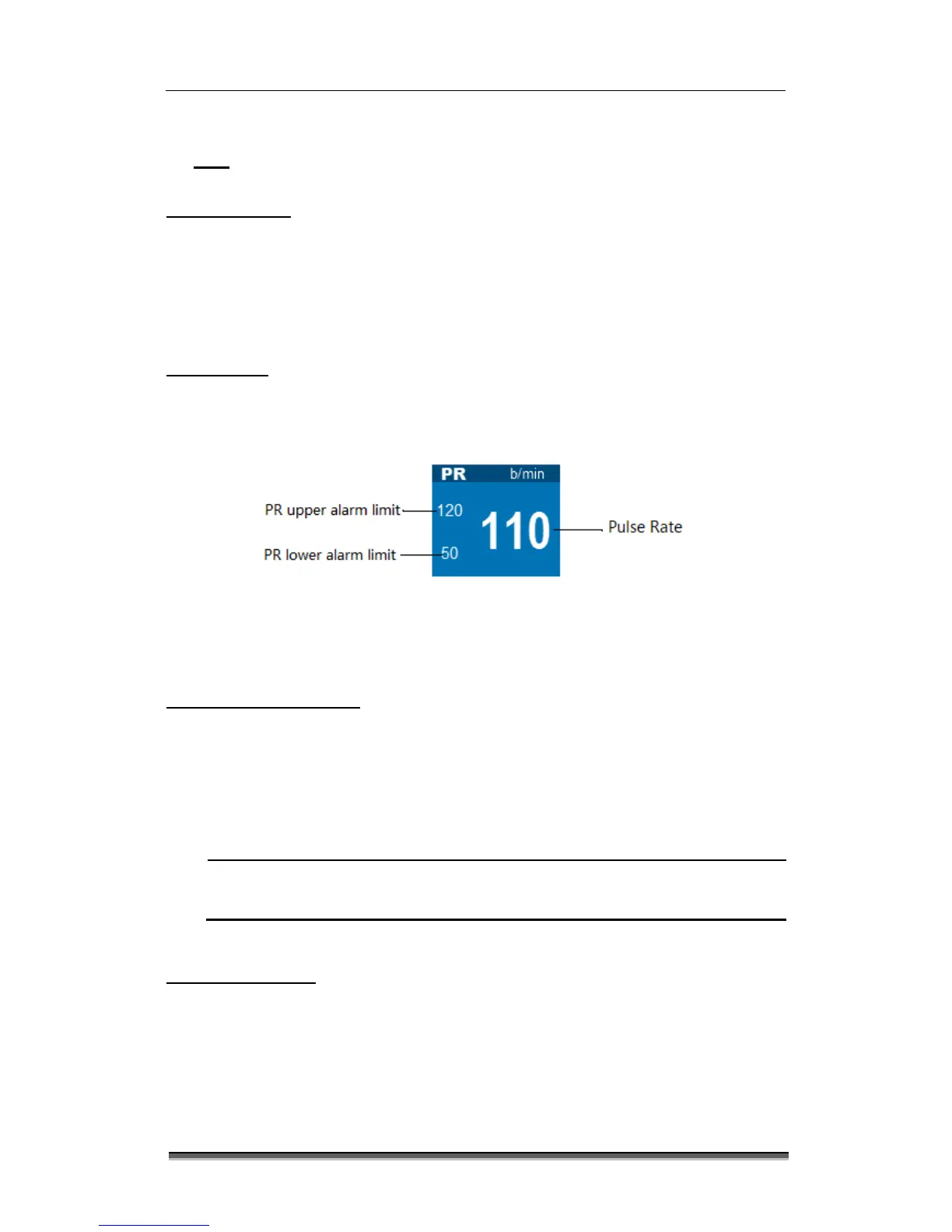
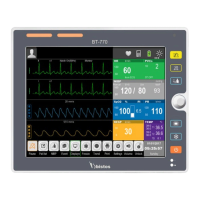
The color of PR parameter area is same as SpO
2
parameter color of PR source, as shown in Fig.
9-1:
Figure 9-1: PR parameter display
9.3 Setting PR sound
Select SpO
2
parameter area or SpO
2
wave area → “SpO
2
Setup” menu;
Select “Pulse Volume” to set “Pulse Volume” to 0~9. Select 0 to turn off the pulse volume, and
select 9 to set the maximum volume.
HR sound has higher priority than PR sound. When HR makes a sound, PR won’t.
When HR sound set to 0, PR can make a sound.
9.4 Alarm setup
Select PR parameter area → “SpO
2
Setup” menu → “Alarm Setup >>” to enter the “Alarm
Setup” interface, and set PR alarm switch, alarm level and upper/lower alarm limit. See 6.5
Alarm Setup for detailed setting method.


 To Next Page